
SSL Certificate or Domain Expired? How to Get Your Site Back

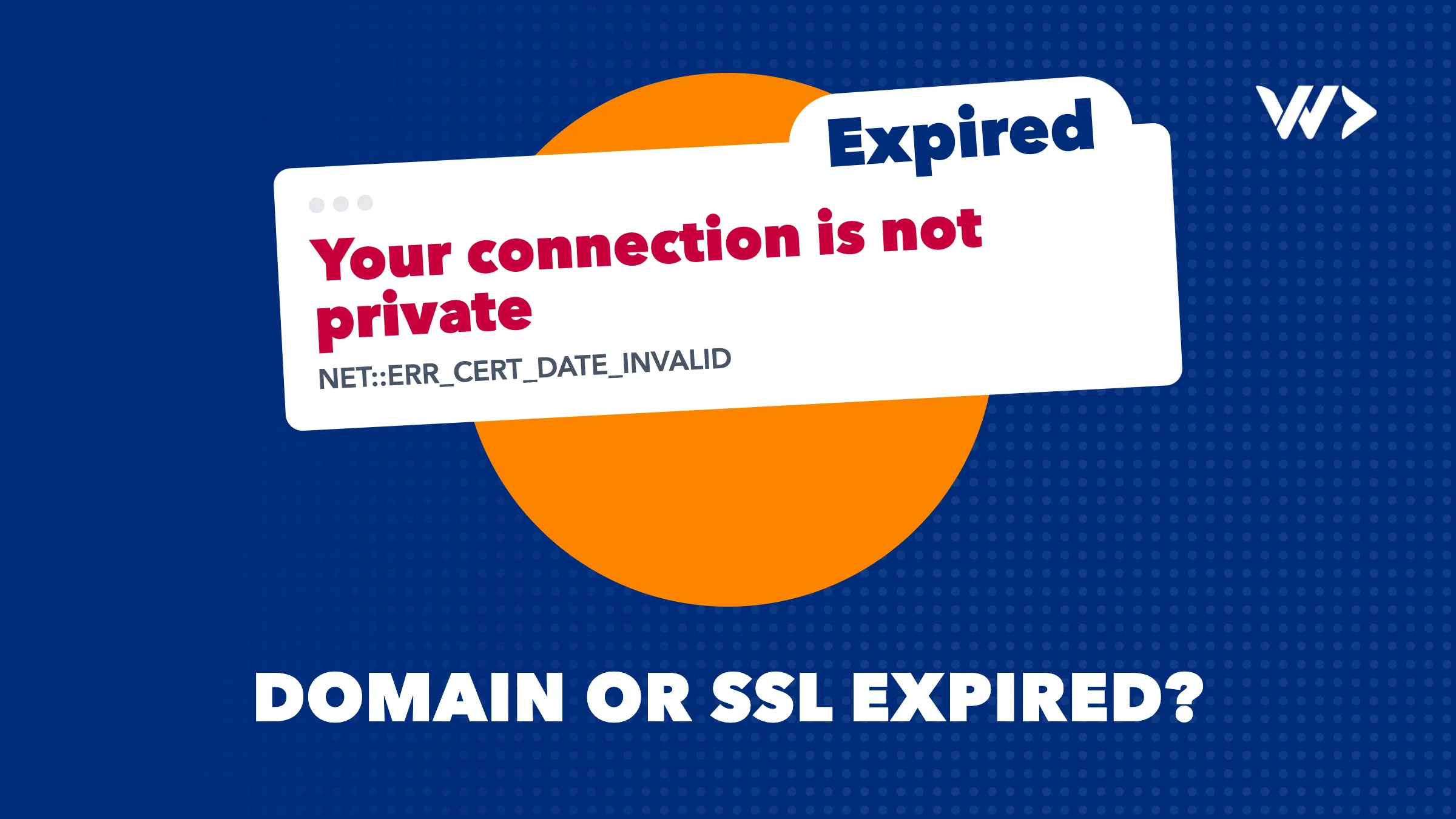
If visitors see "Your connection is not private" with the code NET::ERR_CERT_DATE_INVALID, your SSL certificate has expired (or their device clock is wrong): the site is still there and a renewed certificate brings it back, often within the hour. If the browser says the site cannot be found, shows a registrar's parking page, and your email has stopped too, your domain has probably expired. Renew it today with the registrar where it is registered: for generic domains like .com you usually have weeks, not days, but every day costs traffic and the name can be lost for good. Country domains such as .nl, .be, .fr, .de and .co.th follow their own registry's rules, summarised below.
This guide helps you tell the two apart, fix each one, know who is allowed to renew, and make sure it does not happen again. If you need a developer right now, our emergency help starts the same day at $85 an hour.
Certificate or domain? Read the error
Most top results cover only one half of the problem. Work out which half you have.
| What you see | Likely cause | What to do |
|---|---|---|
"Your connection is not private", NET::ERR_CERT_DATE_INVALID | SSL certificate expired, or the visitor's clock is wrong | Check the certificate's end date (click the warning, then "certificate"); renew it in your hosting panel or on the server |
"Your connection is not private", NET::ERR_CERT_COMMON_NAME_INVALID | Certificate does not cover this exact name (for example www vs. no www) | Reissue the certificate with all names you use |
| Cloudflare error 526 "Invalid SSL certificate" | Certificate on your own server expired while Cloudflare is in Full (strict) mode | Renew the origin certificate; switching to Full is only a stopgap |
ERR_NAME_NOT_RESOLVED or DNS_PROBE_FINISHED_NXDOMAIN, email bouncing | Domain expired, suspended or DNS records changed | Look the domain up in WHOIS; renew with the registrar |
| A registrar page saying the domain has expired, or adverts | Domain expired and parked by the registrar | Log in to the registrar and renew; pay any restore fee |
| Domain belongs to someone else in WHOIS, shown "for sale" | Domain was deleted and registered by a drop-catcher | Talk to a lawyer if you hold a trademark; otherwise you can only buy it back |
Google's own help page notes that NET::ERR_CERT_DATE_INVALID can also appear when a device's date and time are wrong, and that ERR_NAME_NOT_RESOLVED means the address "doesn't exist or now has a different IP address" (Chrome help). If only one person sees the warning, check their clock first.
The first 15 minutes
- Test from another device on mobile data. Screenshot the exact error and code.
- Check the certificate date. In the browser warning, open the certificate details and note the "valid until" date and the issuer (Let's Encrypt, Sectigo, Cloudflare, your host).
- Look up the domain in WHOIS (your registrar's lookup, or the registry's: SIDN for .nl, DNS Belgium for .be, Afnic for .fr, DENIC for .de, THNIC for .th). Note the expiry date and status, such as "redemptionPeriod", "quarantine" or "hold".
- Find out who the registrar is and who has the login. It is often a former web agency or a staff member who left.
- Search your inbox and spam for renewal reminders and failed card payments. Gaps in renewal usually start with an expired card.
- Renew if you can. If the domain is in your account, renew it now. If the certificate is managed by your host, use the "renew" or "reissue" button in the panel.
- Tell customers how to reach you meanwhile, by phone or a social post.
If it is the SSL certificate
Why automatic renewal stops working
Most certificates today are free and renewed automatically, by your host's panel (cPanel AutoSSL, Plesk), by Certbot on your server, or by a platform like Shopify or Cloudflare. When they expire, the automation broke weeks earlier and nobody noticed. Typical reasons:
- Port 80 closed. Let's Encrypt's standard HTTP check "can only be done on port 80" (Let's Encrypt docs). A firewall tightened after the first install silently breaks every renewal.
- DNS moved. The domain now points to a new server, a CDN or a different host, so the check fails on the old server.
- Wildcard certificates need a DNS check, which needs API access to your DNS provider. Change the provider or the API key and renewal fails.
- Nobody gets the warning. Let's Encrypt stopped sending expiration emails on 4 June 2025 (announcement). If you relied on those mails, you now have to monitor expiry yourself.
- The server was not reloaded. The certificate renewed on disk, but the web server still serves the old one.
If you use Cloudflare
Cloudflare has two certificates: the one visitors see (managed by Cloudflare) and the one on your own server. In Full (strict) mode Cloudflare validates your server's certificate, and an expired one gives error 526. Cloudflare's documentation suggests switching to Full as a quick workaround, with renewing the certificate as the real fix (error 526). Do not switch to Flexible to make the error go away: in that mode traffic between Cloudflare and your server is not encrypted (SSL modes).
Certificates are getting shorter lives
In April 2025 the CA/Browser Forum, the body of certificate authorities and browser makers, voted to reduce the maximum lifetime of public TLS certificates in steps, with Apple, Google, Microsoft and Mozilla all voting yes (ballot SC-081v3). The schedule (DigiCert):
| Certificates issued from | Maximum lifetime |
|---|---|
| Before 15 March 2026 | 398 days |
| 15 March 2026 | 200 days |
| 15 March 2027 | 100 days |
| 15 March 2029 | 47 days |
Let's Encrypt goes further: its default certificates move from 90 to 64 days in February 2027 and to 45 days in February 2028 (Let's Encrypt). Installing a yearly certificate by hand is over: every certificate needs automatic renewal, and a check that it worked.
If it is the domain
Generic domains (.com, .net, .org and others)
ICANN's Expired Registration Recovery Policy sets minimum rules for registrars (ERRP):
- Two reminders before expiry, about one month and about one week before, and one more within five days after.
- The person who held the domain at expiry must be able to renew it after expiry, and the website must be interrupted for at least the last eight days of that window, so the owner notices.
- Once the registrar deletes the name, the registry keeps it in a 30-day Redemption Grace Period: the site stays down, nobody else can register it, and the registrar can restore it for you.
- Registrars must publish their renewal and restore fees.
How long the renewal window lasts before deletion is up to the registrar. One registrar's published timeline, as an example: a 38-day grace period at the normal renewal price, then 30 days of redemption with a restore fee of $20 to $250 depending on the extension ($40 for .com), then about 5 days of pending delete, after which anyone can register it (Fozzy). Check your own registrar's terms; some offer far less.
Country domains
| Domain | What happens | Who can get it back |
|---|---|---|
| .nl (SIDN) | After cancellation, 40 days of quarantine; nobody else can register it | Only the former registrant, through the old or a new registrar; the registrar sets the fee (SIDN) |
| .be (DNS Belgium) | Deactivated names go into 40 days of quarantine; an expired name can be extended by choosing a new registrar within 2 months | Cheapest via the current registrar; a transfer to a new registrar also works (DNS Belgium) |
| .fr (Afnic) | 30-day redemption period after expiry; Afnic runs a separate server for "snapping" released names | The holder, through a registrar (Afnic) |
| .de (DENIC) | Redemption Grace Period until the 31st day after the registration ended | The last domain holder, through a registrar; another provider needs a transfer password (DENIC) |
| .th, .co.th (THNIC) | 5 days grace (site still works), 25 days hold (site and email down), 30 days redemption, 5 days pending delete | The holder; during redemption THNIC charges a ฿1,712 restore fee plus at least one year of renewal (THNIC) |
Who is allowed to renew
The registrar will act for the registrant (the legal owner in WHOIS) or whoever controls the registrar account. That is where many businesses get stuck: the domain was registered by a freelancer, an old agency or a staff member, in their own name or account. If the login email is on the expired domain itself, password resets cannot even arrive. Gather proof that the domain is yours (invoices, company registration, ID) and contact the registrar's support directly. For .nl, SIDN says a new registrar may ask for ID and a trade register extract.
The real risk: drop-catchers
Once a name is deleted, automated services try to register it within seconds. Afnic built a dedicated server for these requests because their volume disturbed other registrars. A lost domain usually comes back only by buying it, or through a dispute if you hold a trademark. Do not wait for the last day.
When to call a developer
- Renewal in your hosting panel works: no developer needed. Check that the site loads over HTTPS everywhere, including www.
- The certificate renewed but the warning stays, renewal fails with an error, or you run your own server, Cloudflare or a custom app: call a developer.
- The domain is back but the site or email is not: DNS records may be gone or changed during the outage. A developer restores them and checks mail (SPF, DKIM, DMARC).
- You cannot reach whoever holds the registrar account: start the ownership claim yourself; a developer can prepare everything else meanwhile.
What to have ready
- Registrar login, or at least the registrar's name and your WHOIS record
- Hosting panel or server access, and Cloudflare access if you use it
- Screenshots of the error with the code
- A list of what changed recently: new host, DNS move, firewall, new developer
- One person who can approve paying renewal and restore fees
More on getting a site back up in our WordPress offline checklist.
What it costs
The renewal itself is the registrar's normal price; restore fees apply only once you are in redemption (see the examples above). A developer is needed for the part that broke: auto-renewal, DNS, Cloudflare, mail. Our prices, excluding VAT:
| Offer | Price | Fits when |
|---|---|---|
| Emergency help | $85/hour, weekends $127.50/hour; no minimum, no intake | The site is down now; a senior developer starts the same day |
| Strip card | $1,050 for 14 hours (about $75/hour), valid 4 months | You want hours ready for the next fix; we start within 24 hours |
| Starter subscription | $550/month for 8 hours | Updates and monitoring, so expiry does not catch you out |
| Growth subscription | $2,200/month for 32 hours | Shops and apps where an hour offline costs real money; same-day response |
As an example: if fixing a broken auto-renewal and checking every subdomain takes two hours on a weekday, that is $170. Subscriptions run at least 3 months. You keep all access; we work in your accounts and repository and sign an NDA if you want one. Our emergency developer cost guide compares other providers' rates.
How to make sure it never happens again
- Auto-renew on, with a card that will not expire soon, for the domain, the hosting and any paid certificate.
- Register the domain in the company's name, in a registrar account the company owns, with a shared address such as it@ or admin@ that does not depend on that same domain.
- Monitor expiry dates for every domain and certificate, with alerts at 30 and 7 days. Since Let's Encrypt no longer emails, this has to be a tool or a person.
- Write down who has which login: registrar, DNS, hosting, Cloudflare.
- Let someone watch it for you. Our subscriptions include updates and monitoring, and we watch your domain and SSL certificate expiry dates for you, and our maintenance cost guide shows what that is worth.
Want to see what else is about to break? EngineeringScore runs a free audit of your site's security, performance, SEO, accessibility and reliability.
Site down right now?
Send us the error and your domain on the emergency help page. A senior developer picks it up the same day, also outside office hours, at $85 an hour with no minimum, and tells you first whether it is the certificate, the domain or something else. If expiry has caught you out before, look at our prices for a subscription that keeps watch.
Frequently asked questions
How do I know if my SSL certificate or my domain expired?
A certificate problem shows "Your connection is not private" with a code like NET::ERR_CERT_DATE_INVALID, and your email keeps working. An expired domain shows "site can't be found" or a registrar parking page, and email usually stops too.
How long do I have to recover an expired domain?
For generic domains like .com it depends on your registrar's grace period plus a 30-day redemption period, often around two months in total. Country domains differ: .nl and .be have a 40-day quarantine, .de a redemption period until day 31, .th about 65 days from expiry to deletion.
What does it cost to restore an expired domain?
During the grace period you pay the normal renewal. In redemption a restore fee is added: one registrar lists $20 to $250 depending on the extension, and THNIC charges ฿1,712 for .th names.
Why did my free SSL certificate stop renewing?
Usually because the automatic check fails: port 80 closed, DNS pointing elsewhere, a changed DNS API key for wildcard certificates, or a web server that was never reloaded. Let's Encrypt also no longer emails expiry warnings.
Can someone else take my domain after it expires?
Yes, once it is deleted after the redemption or quarantine period. Automated drop-catching services register valuable names within seconds, and getting it back usually means buying it or a trademark dispute.
My old web agency registered the domain. Can I still renew it?
The registrar acts for the registrant in WHOIS or the account holder. If that is not you, contact the registrar's support with proof that the domain belongs to your company, and move it to a company-owned account afterwards.
How do I stop my domain or SSL certificate from expiring again?
Turn on auto-renew with a valid card, register the domain in the company's name and monitor every expiry date with alerts at 30 and 7 days. Our subscriptions watch your domain and SSL certificate expiry dates for you.
Related articles
Developer Disappeared? How to Get Your Site and Code Back
Your web developer stopped responding or the agency went bust. How to recover your domain, hosting, code and app store accounts, and who can take over.

Shopify or WooCommerce Checkout Not Working? What to Check
Shopify or WooCommerce checkout not working? A 15-minute checklist: status pages, apps and plugins, caching, webhooks, SSL, and when to call a developer.
Website Emails Not Being Received? Causes and Fixes
Contact form, order confirmation or password reset emails missing or in spam? Check SPF, DKIM and DMARC, the 2024-2025 Gmail and Outlook rules, and the fix.


