
Website Emails Not Being Received? Causes and Fixes

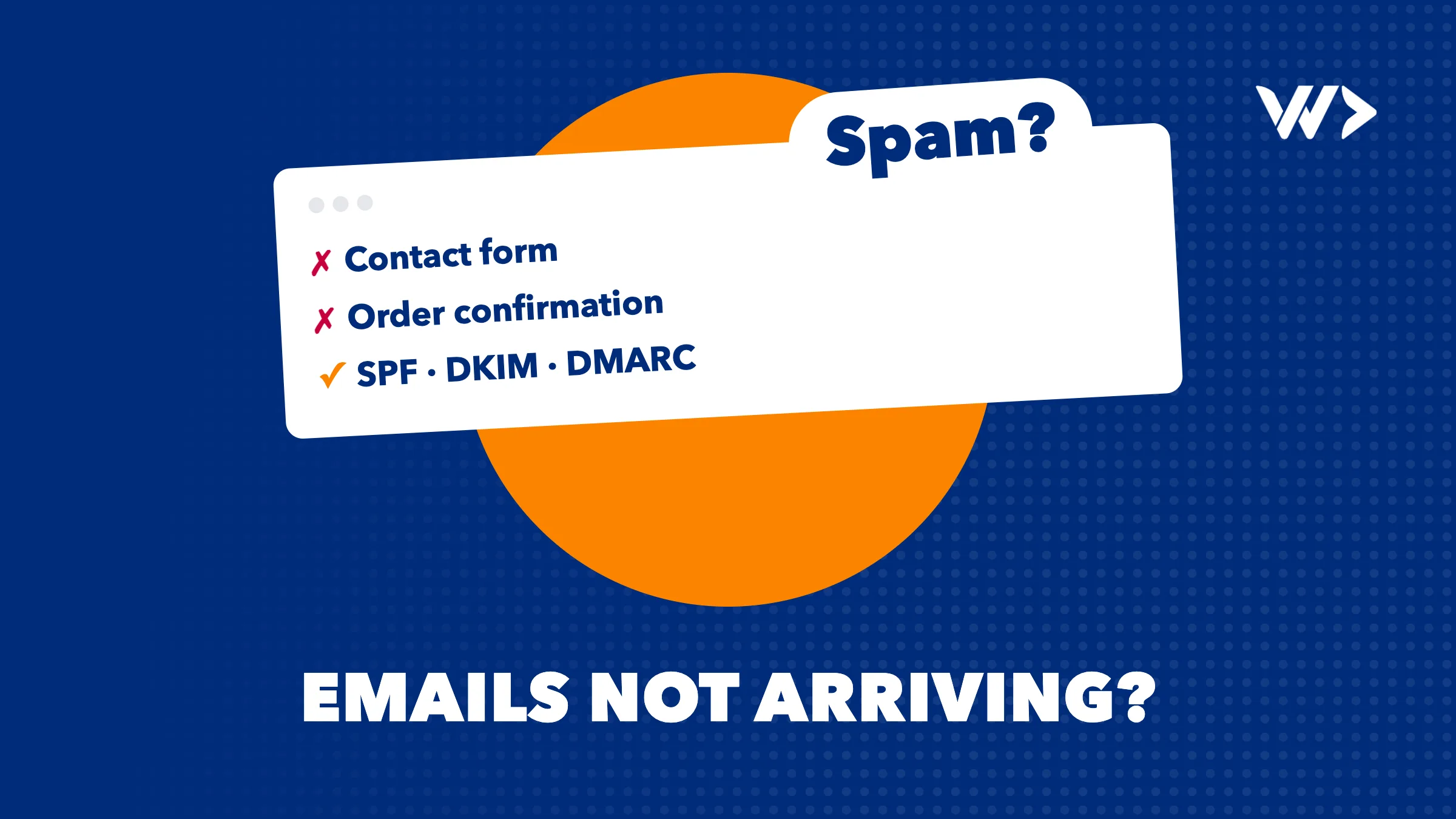
If emails from your website or domain are not being received, the cause is almost always authentication, not the email itself. Since February 2024 Gmail and Yahoo, and since May 2025 Outlook.com, filter or reject mail that cannot prove it comes from your domain. The fix is to send through a proper sending service and publish three DNS records for your domain: SPF, DKIM and DMARC. On a working setup that is usually a few hours of developer work, not a rebuild.
This covers contact forms, web shop order confirmations, password reset and sign-up emails, and your own mail landing in your customers' spam folder.: the fixes overlap.
The first 15 minutes: what you can check yourself
- Find out where the email went. Check spam and junk in the receiving inbox, and test with a Gmail and an Outlook.com address. Junk in one and missing in the other narrows it down.
- Look for a bounce. If you sent the mail yourself, a reply from "Mail Delivery Subsystem" or "postmaster" holds an error code. Copy it.
550-5.7.26 ... DMARC policyfrom Gmail and550 5.7.515from Outlook both mean authentication failed. - Read the headers of a message that did arrive. In Gmail, open the message, then the three dots, then "Show original". You will see SPF, DKIM and DMARC each marked PASS or FAIL. Screenshot it.
- Check what changed. New hosting, a new email provider (for example a move to Google Workspace or Microsoft 365), a new form plugin or a new newsletter tool are the usual triggers. Write down the date the problem started.
- Look up your DNS records. Enter your domain in MXToolbox SuperTool and run the SPF, DMARC and blacklist checks. Two SPF records, no DMARC record or a blacklist listing are all findings a developer can act on.
- Run a test score. mail-tester.com gives you an address; send a message to it from your website form or shop and it scores the message and lists what failed.
Keep the screenshots and error codes: they save a developer paid time.
SPF, DKIM and DMARC in plain words
- SPF is a list, published in your DNS, of the servers allowed to send email for your domain. If your website host, your mailbox provider and your newsletter tool all send as you, all of them must be on that list. You may only have one SPF record per domain, and it may trigger at most 10 DNS lookups; break either rule and SPF fails with a permanent error (RFC 7208).
- DKIM is a digital signature on every message. The sending service signs it, and the public key sits in your DNS so receivers can check the message was really sent by you and was not changed. Each sending service has its own DKIM key, so each needs its own DNS record.
- DMARC ties the two to the address your customers see in the From line. It tells receivers what to do when a message fails (nothing, spam folder or reject) and where to send daily reports. Those reports show you every service sending as your domain, including ones you forgot.
The detail that catches most sites is alignment: SPF or DKIM must pass for the same domain that is in the From address. A form that sends as info@yourshop.com from a server that only authenticates as the host's own domain passes nothing that counts.
What Gmail, Yahoo and Outlook now require
| Mailbox provider | Applies to | Requirement |
|---|---|---|
| Gmail (since 1 Feb 2024) | Everyone sending to Gmail | SPF or DKIM, valid forward and reverse DNS, TLS, spam rate below 0.3% |
| Gmail | More than 5,000 messages a day to Gmail | SPF and DKIM, a DMARC record (p=none is allowed), From domain aligned, one-click unsubscribe on marketing mail. Bulk status is permanent once reached |
| Yahoo (from Feb 2024) | All senders / bulk senders | Same pattern: SPF or DKIM for all; SPF, DKIM, DMARC of at least p=none and one-click unsubscribe for bulk |
| Outlook.com, Hotmail, Live (since 5 May 2025) | More than 5,000 messages a day | SPF, DKIM and DMARC (at least p=none, aligned). Failing mail goes to junk and may be rejected with 550 5.7.515 |
Sources: Google's sender guidelines, Yahoo Sender Hub and Microsoft's postmaster policies. Google adds that from November 2025 it is ramping up enforcement, with temporary and permanent rejections for non-compliant mail. Few small businesses send 5,000 a day, but the "all senders" rules apply to everyone.
Symptom, likely cause, what to do
| Symptom | Likely cause | What to do |
|---|---|---|
| Contact form mails stopped after a hosting move | New server is not in SPF, or the host blocks PHP mail() | Send the form through an SMTP or API sending service and add it to SPF and DKIM |
| Form mails land in spam | Form sends with the visitor's address in From, or unauthenticated PHP mail() | From = an address on your own domain, visitor's address in Reply-To, authenticated sending service |
| Everything fails since a newsletter or CRM tool was added | Someone added a second SPF record | Merge into one SPF record with all includes |
| Your own Outlook or Gmail mail goes to customers' spam | DKIM never switched on after moving to Microsoft 365 or Google Workspace | Generate the DKIM key in the admin console, publish it, enable signing |
| SPF fails only sometimes | More than 10 DNS lookups in SPF | Remove unused services, move bulk tools to a subdomain |
| Password reset or sign-up emails never arrive in a new app | App still uses its framework's test mail service | Connect a production sending service with its own domain records |
| Rejections mentioning a blocklist | Shared server IP listed after another site sent spam, or your site was hacked | Check the blacklist, clean up, move sending off the shared server, request delisting |
| Bounce "5.7.26 DMARC policy" or "5.7.515" | DMARC set to quarantine or reject before every sender was aligned | Fix the failing sender, or step back to p=none while you do |
The "test mail service" row is common in apps built quickly with AI tools. Supabase, for example, says its built-in email "is not meant for production use", only delivers to your own team and is limited to 2 messages per hour. Our launch checklist for vibe-coded products covers this and similar gaps.
Why website mail fails and what fixes it
Most websites send email the cheapest way: PHP's mail() function or the host's shared mail server. WPForms, which makes one of the most used WordPress form plugins, puts it bluntly: there is "no authentication, no retry logic, no logging", and on shared hosting one bad neighbour can get the shared IP blacklisted. Google's own help article on contact form messages not reaching Gmail makes the point that matters: "A contact form that automatically sends messages is an email sender for your domain." It needs SPF and DKIM like any other sender.
The fix is a transactional email service: a company whose whole job is delivering one-to-one mail such as confirmations and resets. It gives you DKIM keys for your domain, logs every message, and shows bounces. Published prices are low:
| Service | Free tier | Paid from |
|---|---|---|
| Postmark | 100 emails a month | $15/month for 10,000 emails |
| Resend | 3,000 a month, max 100 a day | $20/month for 50,000 emails |
| Amazon SES | AWS free tier credits for new customers | $0.10 per 1,000 emails |
| Mailgun, SendGrid, Brevo | Comparable services; check their current plans | |
On WordPress you connect one with an SMTP plugin; in a custom app it is a small code change. The hard part is getting DNS, alignment and every sender right.
Rolling out DMARC without blocking your own mail
Google's recommended DMARC rollout is the safe order:
- Set up SPF and DKIM at least 48 hours before DMARC.
- Publish
v=DMARC1; p=none; rua=mailto:dmarc@yourdomain.com. Nothing is blocked; you start receiving reports. - Read the reports for at least a week. Every service in them that is not aligned is a sender to fix: the booking tool, the invoicing software, the old form.
- Move to
p=quarantinewith a smallpct=value and increase it to 100. - Only then consider
p=reject.
Jumping straight to reject is the classic self-inflicted outage: your invoices or your shop's confirmations start bouncing the same day. If you only want to meet the Gmail, Yahoo and Outlook rules, p=none with reports is enough.
When to call a developer
- Orders or password resets are not arriving. That is lost revenue and support tickets every hour. Treat it as an outage.
- You see bounces with 5.7.26, 5.7.515 or a blocklist name and do not know which sender causes it.
- You do not know which services send as your domain. DMARC reports will tell you, but someone has to read them.
- A blacklist listing came from a hacked site. Delisting before the hole is closed just gets you listed again. See our hacked WordPress checklist.
- Whoever set up your mail is unreachable.
What to have ready
- Login for your DNS (often the domain registrar or Cloudflare) or someone who can change records today.
- Admin access to the website or app, its hosting, and your mailbox provider (Google Workspace, Microsoft 365 or your host's mail).
- A list of tools that send email as you: form plugin, shop, newsletter, CRM, booking and invoicing.
- Your bounce messages, header screenshots and the date it started.
- An account at a sending service, or permission to create one in your name, so you own it.
What it costs at We Do Dev Work
Prices excluding VAT, billed for actual time:
- Emergency help: $85 an hour. A senior developer starts the same day, no minimum, no intake. Out-of-hours work is possible; weekends cost 50% extra ($127.50 an hour). We sign an NDA if you need one.
- Strip card: $1,050 for 14 hours (about $75 an hour). We start within 24 hours, hours are deducted as we work, valid 4 months. Good for "fix the mail now, then clean up SPF, DMARC and the other senders properly".
- Subscription: from $550 a month for 8 hours, with updates and monitoring. Growth is $2,200 for 32 hours with same-day response. Minimum 3 months.
A single misconfigured record is often found and fixed within the first hours. Moving a site or app to a sending service, setting up DKIM for every tool and running a DMARC rollout takes longer, and we tell you the expected scope before the hours add up. For context on emergency rates elsewhere, see what an emergency developer costs.
How to decide
- Order, booking or reset emails are failing right now: emergency help today.
- Mail works but lands in spam, no urgency: a strip card, so the fix and the DMARC rollout fit in one prepaid block.
- You keep adding tools that send mail, or it broke before: a subscription, so someone watches DMARC reports and checks each new sender.
- You have an in-house developer: give them this article, the DMARC rollout steps and access to DNS. It is a well-documented job.
How to prevent it next time
- Send all website and app email through one authenticated sending service, never PHP mail().
- Keep a DMARC record with rua reports and have someone look at them monthly.
- Add every new tool to SPF and DKIM before it sends its first email, and keep one SPF record.
- Recheck email whenever you change host, domain, DNS provider or mailbox provider. Our website maintenance cost guide shows what a monthly check costs.
- If you send thousands of emails a day, register your domain in Google Postmaster Tools to watch your Gmail spam rate. At low volumes it shows no data.
- Run a free EngineeringScore audit for a quick view of your site's security, performance and reliability.
Customers not getting your emails?
Send us your domain, the error message or a screenshot through the emergency help page. You do not need to know which record is wrong. A senior developer picks it up the same day at $85 an hour, finds the failing sender, and tells you what needs fixing before the hours add up. If you would rather have someone keep your mail and site healthy every month, look at our prices for strip cards and subscriptions.
Frequently asked questions
Why are my website contact form emails going to spam?
Usually because the form sends through unauthenticated PHP mail() or a shared server, or puts the visitor's address in the From field. Send from an address on your own domain through an authenticated sending service, with SPF and DKIM set up, and put the visitor in Reply-To.
Why are order confirmation emails not sending from my web shop?
Common causes are a hosting move that broke the mail setup, a host that blocks PHP mail(), or a DMARC policy that now rejects the shop's mail. Check the shop's mail log and the bounce code, then connect a transactional email service.
Can I have two SPF records?
No. RFC 7208 says more than one SPF record gives a permanent error, so SPF fails for all your mail. Merge all services into one record that stays within 10 DNS lookups.
Do the Gmail and Outlook rules apply to a small business?
The strictest rules apply above 5,000 messages a day, but Gmail and Yahoo require SPF or DKIM from all senders. Meeting the full set, including a DMARC record, is the safest way to reach the inbox at any volume.
Which DMARC policy should I start with?
Start with p=none and a rua address for reports, as Google recommends. After at least a week of clean reports, move to quarantine for a small percentage of mail and increase it step by step.
How long does fixing email deliverability take?
A wrong or duplicate DNS record can be fixed quickly, but DNS changes can take up to 48 hours to apply everywhere. Moving all senders to an authenticated service and completing a DMARC rollout takes a few weeks of mostly waiting and monitoring.
Related articles
Developer Disappeared? How to Get Your Site and Code Back
Your web developer stopped responding or the agency went bust. How to recover your domain, hosting, code and app store accounts, and who can take over.

Shopify or WooCommerce Checkout Not Working? What to Check
Shopify or WooCommerce checkout not working? A 15-minute checklist: status pages, apps and plugins, caching, webhooks, SSL, and when to call a developer.
SSL Certificate or Domain Expired? How to Get Your Site Back
"Your connection is not private" or a parking page? How to tell an expired SSL certificate from an expired domain, fix it today and avoid losing the name.


