
Is My Vibe-Coded Product Ready for Real Users? A Launch Checklist

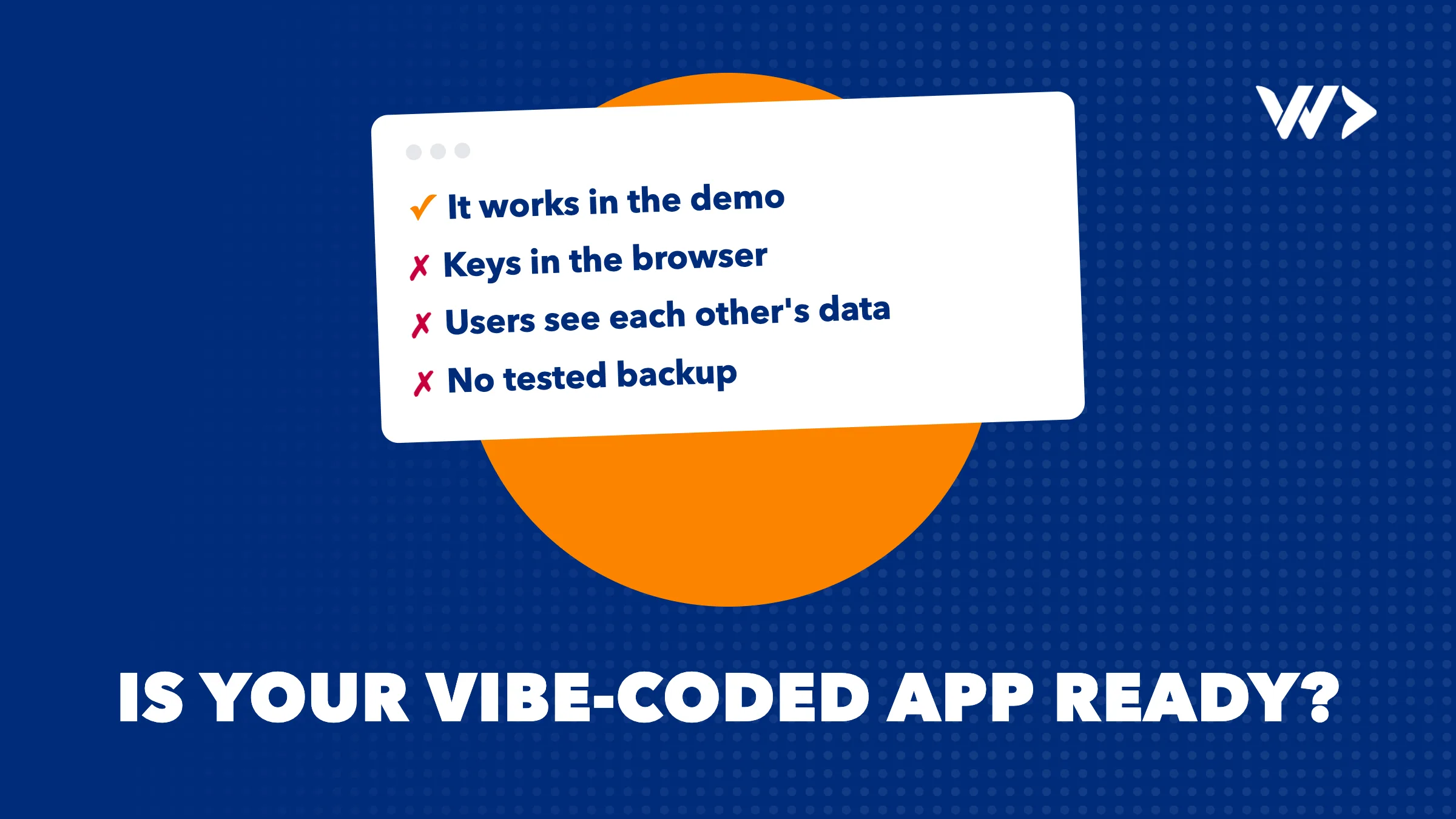
You built your product with Lovable, Bolt, Cursor or Claude, it works on your screen, and the first users are waiting. That is a real achievement: AI tools let founders build in days what used to take months. But "it works in the demo" and "it is ready for real users and real data" are not the same thing. This checklist covers what we look at first when a founder asks us whether their AI-built product is ready to launch.
The short answer
A vibe-coded product is usually ready to show, and often not yet ready to trust with customer data or payments. The gaps are rarely in what you can see. They are in what happens when someone uses the product in a way you didn't test: a user who changes an ID in the address bar, a leaked key, a failed payment, a database without backups. Go through the checklist below before you launch, or ask someone who can.
1. Secrets and keys
- Open your live site, view the source and search for "key", "secret" and "token". API keys for payment providers, AI models or email services must never be in code that runs in the browser.
- Keep them in environment variables on the server, and rotate any key that has ever been in the browser or in a public repository.
- Set spending limits and alerts on paid APIs, so a leaked key or a loop can't run up a large bill overnight.
2. Who can see what
- Log in as one test user and try to open another user's data by changing an ID in the URL or the request. If it works, every customer can see every other customer's data.
- If you use Supabase, make sure Row Level Security is enabled on every table, with policies that match who should read and write each row. Without it, anyone with your public key can query the table.
- Check that admin pages and actions are protected on the server, not only hidden in the interface.
3. Payments
- Never trust a price or a "paid" status that comes from the browser. Prices are set on the server, and orders are confirmed by the payment provider's webhook, with its signature verified.
- Test failed payments, refunds and double clicks in the provider's test mode, not only the happy path.
4. Data and backups
- Make sure your database is backed up automatically, and restore a backup once to prove it works.
- Know where your data is stored and who has access. Customers will ask, and so will the law.
5. When something breaks
- Add error tracking, so you see errors your users run into instead of hearing about them days later.
- Add uptime monitoring for the site and the most important flows, such as sign-up and checkout.
- Test with realistic amounts of data. A page that is fast with ten records can time out with ten thousand.
6. Privacy and legal basics
- A privacy policy that says what you collect and why, and cookie consent where analytics or ads require it.
- If you have users in the EU, GDPR applies; in Thailand, the PDPA. Both give users rights over their data, such as access and deletion.
7. Can you keep building?
- Is the code in a repository you own, such as GitHub, and can you deploy it without the tool that generated it?
- Could a developer understand it? AI-built code often repeats the same logic in many places, which makes every later change slower and riskier.
- Are the critical flows, such as sign-up, login and payment, covered by at least a few automated tests?
A quick self-check
| Question | Ready | Not yet |
|---|---|---|
| Are all secret keys on the server only? | Yes, and rotated | Some are in the browser code |
| Can a user only see their own data? | Tested with two accounts | Not tested |
| Are payments confirmed by the provider? | Webhook with verified signature | The browser says "paid" |
| Is there a tested backup? | Restored at least once | Don't know |
| Will you know when it breaks? | Error tracking and uptime alerts | Users will tell us |
| Do you own the code? | In our own repository | Only inside the AI tool |
Where to go from here
Start with a free scan of your live site with EngineeringScore, our own audit tool: it scores security, performance, SEO, accessibility and reliability, and gives you a prioritised list. It can't see inside your code or database, so for the points above a developer still needs to look. We do that as a small project, billed per day, or with emergency help when something is already on fire. We like AI-built products; we use these tools every day ourselves. We just make sure they are ready for the people who will rely on them.
Frequently asked questions
Is it safe to launch an app built with Lovable, Bolt or Cursor?
It can be, once the basics are checked: secrets on the server, users limited to their own data, payments confirmed by the provider, tested backups, monitoring and privacy. These are rarely done by default.
What are the most common security problems in AI-generated apps?
API keys in browser code, missing access checks so users can see each other's data, database tables without Row Level Security, and payments trusted from the browser.
Do I need Row Level Security in Supabase?
Yes, on every table that can be reached with your public key. Without it, anyone with that key can read the table.
Should I rewrite my vibe-coded product?
Usually not. Most products need targeted fixes in security, payments and data handling, plus some tests, rather than a rewrite.
Can you review my AI-built product?
Yes. Start with a free EngineeringScore scan of your live site; for the code and database, a senior developer reviews it as a small project, billed per day.
Related articles
LLM vs System One Model: Claude and ChatGPT vs Jev and SubQ Snap
LLMs like Claude and ChatGPT write answers; System One decision models like Jev and SubQ Snap pick them. The difference, prices and when to use which.

My WordPress Website Went Offline: What to Do Now (Checklist)
WordPress site down? Match the error you see to its cause and fix it step by step: domain, hosting, SSL, database, critical errors, maintenance mode and hacks.

SEO for a digital product: it starts long before you write your first article
SEO starts with the product: match search intent, research keywords before building, plan site structure, and use programmatic pages and AI search sensibly.


