
WordPress Site Hacked? What to Do in the First Hour

If your WordPress site is hacked, do four things in the first hour: write down what you see and when, take a full backup of the infected site, change every password (WordPress, hosting panel, SFTP, database), and tell your hosting company. Do not delete files at random and do not just restore last week's backup and move on: the hole the attacker used is still open. Then clean the site properly, close that hole, and ask Google to review it. This guide walks through each step, explains your legal duties if customer data may be exposed, and shows what a fix costs, whether you do it yourself or call in help.
Is your website hacked, or just down?
"Hacked" covers many different problems. The WordPress documentation calls the symptoms indicators of compromise, and naming yours exactly makes the fix faster. Here are the most common ones and what they usually mean.
| What you see | What it usually means | First move |
|---|---|---|
| Visitors are sent to a spam, casino or fake-prize site, often only on mobile or only when they come from Google | Code injection, usually in .htaccess, a theme file or the database | Check .htaccess and recently changed files; don't test it on your work computer |
| Japanese or pharma pages under your domain in Google results | URL injection: the attacker created spam pages, sometimes hidden from you (cloaking) | Search site:yourdomain.com and open Search Console |
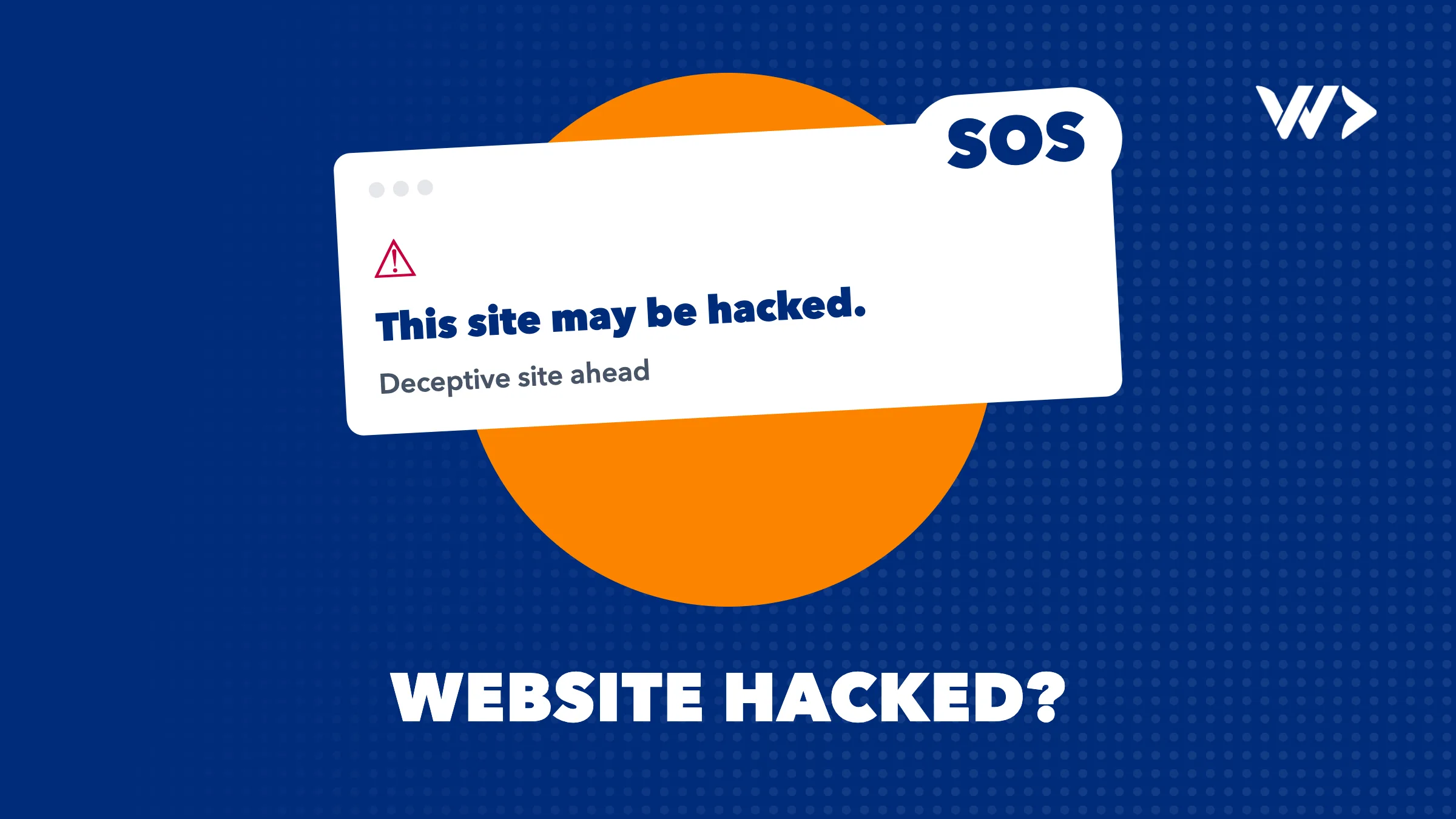
| "This site may be hacked" under your listing in Google | Google found altered or added spam pages | Search Console, Security Issues report |
| Red full-screen browser warning (Safe Browsing) | Google detected malware, phishing or harmful downloads | Search Console, Security Issues report |
| Admin users you don't know | Someone has (or had) admin access | Remove them after taking a backup, then reset all access |
| Your host suspended the account or disabled the site | The host detected malware or spam being sent from your site | Ask the host exactly what they found and which files |
| "Briefly unavailable for scheduled maintenance" that never goes away | Usually not a hack: an update was interrupted and left a .maintenance file | Delete .maintenance from the site root via SFTP |
If your site simply doesn't load, shows a database error or a "critical error", it is more likely down than hacked. Our checklist for that case is My WordPress website went offline: what to do now.
WordPress site hacked: what to do in the first hour
- Stay calm and write things down. Note what you see, when you first noticed it (with time zone), and what changed recently: a new plugin, a theme edit, a new user. This becomes your incident report and saves hours for whoever cleans the site.
- Don't browse the infected pages. Google advises against opening them in a normal browser. Use Search Console's URL Inspection tool instead.
- Take a snapshot of the infected site. Files and database, even though it's dirty. If the cleanup goes wrong, you still have something to compare against.
- Reset all access. WordPress passwords for every user, the hosting control panel, SFTP/FTP and the database password (update
wp-config.phpwhen you change it). Log everyone out by replacing the secret keys inwp-config.phpwith a fresh set from the official generator atapi.wordpress.org/secret-key/1.1/salt/. - Scan the computer you log in from. The WordPress team notes that many infections start with malware on the owner's own laptop that steals admin or FTP logins.
- Contact your host. On shared hosting the attack may reach beyond your site. Hosts can also tell you whether it is a hack or an outage, and some have backups from before the infection.
How to fix a hacked WordPress site, step by step
1. Find what was changed
Run a scanner inside WordPress (Wordfence or Sucuri Security, both listed in the WordPress documentation) and an outside one such as Sucuri SiteCheck or VirusTotal. They catch different things, so use both. Then look at the files attackers touch most: every .htaccess file (there can be several, and they are hidden), index.php, and your theme's header.php, footer.php and functions.php. Google's guide on spam hacks adds: look for recently modified or unusually large PHP files and obfuscated code using functions like base64_decode, eval or gzinflate.
2. Replace core files instead of editing them
Download the same WordPress version you are running from wordpress.org and replace /wp-admin and /wp-includes completely over SFTP. Don't use the "reinstall" button in the dashboard: it overwrites existing files but leaves extra files the attacker added. Reinstall plugins and themes from their original source too, and delete any you don't use.
3. Clean the database and users
Remove unknown administrator accounts and look for injected scripts in posts, widgets and options. If you are locked out of wp-admin, you can reset your user through phpMyAdmin from your hosting panel, or change your email address there and use "Lost your password".
4. Restore from backup, if you have a clean one
Restoring a backup from before the infection is often the fastest route. The catch: you need to know when the infection started, and a restored site has the same vulnerable plugin or stolen password that let the attacker in. Restore, then update and reset access straight away.
5. Update everything and change passwords again
Once clean, update WordPress, plugins and themes to the latest versions, and change all passwords a second time. The first reset happened while the site was still infected.
WordPress hacked redirect and spam pages in Google
Redirect hacks and Japanese keyword spam are the two cases owners notice first, usually because a customer tells them. They are tricky because the attacker often hides them from logged-in admins and shows a fake 404 page while Google still sees the spam. Google's own cleanup guide for this kind of hack recommends:
- Checking
site:yourdomain.comin Google to see which spam pages are indexed. - Opening Search Console's Settings > Users and permissions and removing owners you don't recognise. Attackers verify themselves so they can submit their spam sitemaps. Delete their verification file (a
google…htmlfile) or the rule in.htaccessthat creates it. - Replacing every
.htaccessfile with a clean default version. - Removing spam links from your sitemaps and deleting sitemaps you didn't create.
How to get Google's warning removed
The "This site may be hacked" label and the red Safe Browsing screen both come from Google's Security Issues report. Google removes them after a review. The process:
- Verify your site in Google Search Console if you haven't already.
- Open Security & Manual Actions > Security issues and look at the example URLs.
- Fix the problem on the whole site, not just the example pages, and fix every listed issue.
- Click Request Review and explain what the problem was, what you did, and the result.
- Wait. Google says reviews for hacked content and malware take a few days to a few weeks. Don't resubmit before you get an answer: that can make it take longer.
Customer data: your 72-hour duty
If the site stores personal data, such as WooCommerce orders, contact form entries or user accounts, a hack may be a personal data breach. Under GDPR article 33, a business serving EU customers must notify its data protection authority without undue delay and where feasible within 72 hours of becoming aware of it, unless the breach is unlikely to result in a risk to people. You must document every breach either way. When the risk to people is high, you also have to inform them. In Thailand, the PDPA notification on handling data breaches sets the same 72-hour window for notifying the PDPC Office. You can notify first and complete the details later. This isn't legal advice; if you're unsure, ask your data protection officer or lawyer the same day.
How to prevent it happening again
- Updates: keep WordPress, plugins and themes current, and turn on automatic updates where it's safe. Remove what you don't use.
- Two-factor authentication on every administrator account, and unique long passwords from a password manager.
- Fewer admins: give people the lowest role they need.
- Disable the file editor by adding
define( 'DISALLOW_FILE_EDIT', true );towp-config.php. - File permissions: 755 for folders, 644 for files, and 400 or 440 for
wp-config.php. - Backups of files and database, stored outside the server, that you have actually tested restoring.
- Monitoring so you hear about a problem before your customers do. A free check with EngineeringScore shows your site's security, performance and reliability gaps in minutes.
What does it cost to fix a hacked website?
| Option | Price (as published) | Good to know |
|---|---|---|
| Do it yourself | Free tools, your time | Fine for simple cases if you are comfortable with SFTP and phpMyAdmin. Risky if you miss a backdoor. |
| Your hosting company | Varies by host and plan | Some clean or restore, others only suspend. Ask what is included. |
| Sucuri Website Security Platform | From $229/year (Basic) to $549/year (Business) | Unlimited manual cleanups; estimated response 30 hours on Basic, 6 hours on Business. |
| Seahawk hacked site repair | $299 one-off (2 to 4 business days), $399 priority (1 business day) | Fixed-price WordPress malware removal with a 30-day guarantee. |
| We Do Dev Work emergency help | $85/hour excl. VAT, no minimum | A senior developer starts the same day, cleans the site, finds how they got in and helps with the Google review. |
A security subscription is the right choice for prevention. A specialist is the right choice when you also need someone to find the cause, fix the vulnerable custom code, or deal with a WooCommerce shop that must keep selling. If one hack is a sign that the whole site needs ongoing care, our subscriptions start at $550/month for 8 hours of updates and monitoring, and a strip card gives you 14 prepaid hours for $1,050. All prices are on our pricing page.
When to call a professional
- The site handles payments or stores customer data and you may have a 72-hour reporting deadline.
- The infection comes back after you cleaned it: there is a backdoor you haven't found.
- Your host has suspended the account, or your emails are landing in spam because the server was used to send spam.
- Google shows a red warning and every day costs you sales.
- The site has custom code or plugins that a scanner can't judge.
- You don't have time to learn SFTP,
.htaccessand phpMyAdmin under pressure.
When an agency or freelancer built the site and has disappeared, we take over from there too. Read how we rescue software projects that went off track.
Website hacked right now? We can start today
Book emergency help and a senior developer starts on your site the same day, at $85/hour excl. VAT, with no minimum and no intake call. We clean the site, close the hole, document what happened for your records and your data protection authority, and submit the Google review. We can't promise how long Google takes, but we'll tell you honestly what we find. Prefer to talk first? Contact us in English, Dutch, French, German or Thai.
Frequently asked questions
What should I do first if my WordPress site is hacked?
Write down what you see and when, take a backup of the infected site, change all passwords (WordPress, hosting, SFTP, database) and replace the secret keys in wp-config.php. Then contact your host before you start cleaning.
Why does my WordPress site redirect to a spam site?
Usually an attacker added a redirect rule to .htaccess or injected code into a theme file, plugin or the database. These redirects often only fire for mobile visitors or visitors coming from Google, so you may not see them when logged in.
How long does Google take to remove the hacked warning?
After you request a review in Search Console's Security issues report, Google says it takes a few days to a few weeks. Resubmitting before you get an answer can make it slower.
Is restoring a backup enough to fix a hacked site?
Not on its own. A clean backup removes the infection, but the vulnerability or stolen password is still there, so update everything and reset all access right after restoring.
Do I have to report a hacked website to the authorities?
If personal data may have been exposed and that creates a risk to people, GDPR requires notifying your data protection authority within 72 hours where feasible; Thailand's PDPA sets the same window for the PDPC Office. Document the breach in any case.
How much does it cost to fix a hacked WordPress site?
DIY costs only your time. Published specialist prices include Seahawk at $299 one-off and Sucuri plans from $229/year. Our emergency help is $85/hour excl. VAT with no minimum.
Related articles
Website Maintenance Cost per Month in 2026 (WordPress)
WordPress maintenance costs from $0 to $359+ a month in 2026. What each tier really includes, hidden costs, a comparison table and how to pick the right plan.

Black Friday Checklist 2026: Is Your Webshop Ready?
Black Friday is 27 November 2026. A week-by-week checklist for Shopify and WooCommerce shops: speed, checkout, stock, code freeze, conversion and backup plans.
My WordPress Website Went Offline: What to Do Now (Checklist)
WordPress site down? Match the error you see to its cause and fix it step by step: domain, hosting, SSL, database, critical errors, maintenance mode and hacks.


