
Black Friday Checklist 2026: Is Your Webshop Ready?

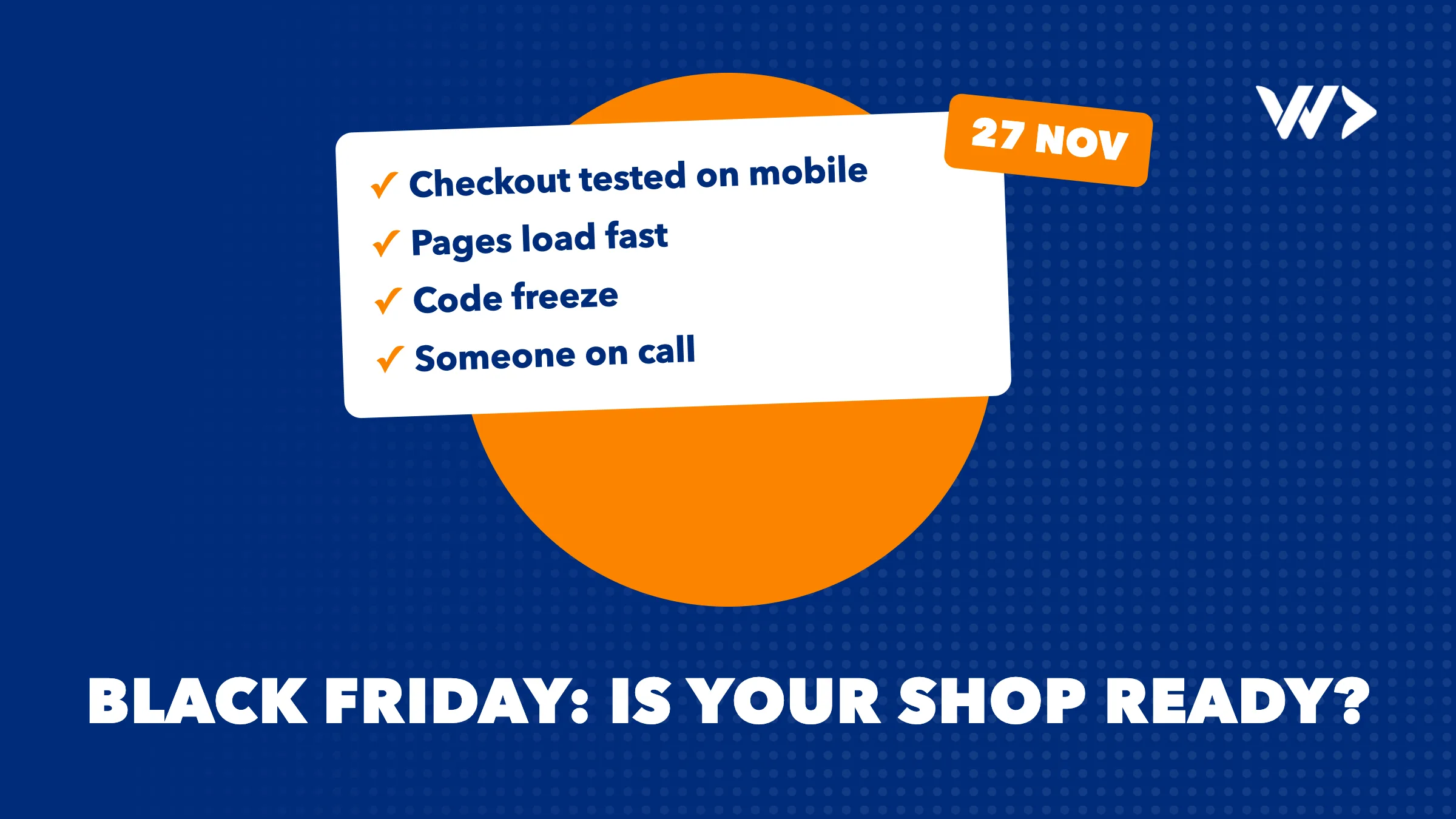
Black Friday 2026 falls on Friday 27 November, and Cyber Monday on 30 November. For many webshops it is the busiest weekend of the year, which also makes it the worst possible moment for a slow page, a broken discount code or a checkout that fails on mobile. This checklist covers what to check in the weeks before, so your shop is ready when the visitors come. Work through it in order: the first sections take the longest.
The short version
- Freeze changes at least a week before: no new apps, themes or plugins after that.
- Test the full checkout on a phone, with every payment method and every discount.
- Make it fast: remove apps and scripts you don't use, and compress images.
- Prepare stock, shipping cut-offs and returns before you announce anything.
- Turn visitors into buyers with help at the moment they hesitate.
- Know who to call if something breaks during the weekend.
Four weeks before: plan and clean up
- Decide your offers now: which products, which discount, start and end time, and whether discounts can be combined.
- Check your stock for the products you will promote, and how your shop behaves when something sells out: hide it, show "sold out", or allow back orders?
- Remove apps and plugins you no longer use. Every app can add scripts to your pages, and each one makes the shop a little slower.
- Do updates now, not in November: theme updates, plugin updates and new features need time to be tested.
Three weeks before: speed
Speed matters most on mobile, where most shoppers browse. Google's Core Web Vitals give clear targets: the main content should load within 2.5 seconds (LCP), the page should respond to a tap within 200 milliseconds (INP), and the layout should not jump around (CLS below 0.1).
- Test your homepage, a category page, a product page and the cart, not only the homepage.
- Compress and resize images; a product photo rarely needs to be several megabytes.
- Check that pop-ups, chat widgets and tracking scripts don't block the page from loading.
- Run a free scan with EngineeringScore, our own audit tool, for a prioritised list of performance, security and reliability fixes.
For the technical background, read SEO for developers.
Two weeks before: checkout and payments
- Place real test orders on a phone and a laptop, with every payment method you offer.
- Create your discount codes and automatic discounts now, schedule them, and test them in the cart: do they apply to the right products, and do they combine the way you intended?
- Check free-shipping thresholds, shipping costs per country and delivery times.
- Check order confirmation emails, invoices and stock updates after a test order.
- If you run WooCommerce or another self-hosted shop, ask your host whether your plan can handle a traffic peak, and make sure caching is set up. Shopify runs the hosting for you, but your theme and apps still decide how fast your pages are.
One week before: freeze and prepare the team
- Code freeze: no new apps, theme changes or plugin updates until after Cyber Monday, unless something is broken.
- Make a fresh backup, and know how to restore it.
- Put shipping cut-off dates, delivery times and your returns policy where shoppers see them: product pages, cart and FAQ.
- Prepare answers to the questions you always get: delivery times, sizes, returns, payment options.
- Set up uptime monitoring, so you know about an outage before your customers tell you.
- Agree who is on call during the weekend, and who they call if the shop goes down.
Turn visitors into buyers
Black Friday brings more visitors, but many leave without buying because one question goes unanswered: which size, will it arrive in time, is this the right model? That is exactly what Signal, our own product, is built for. It reads how a visitor moves through your shop, asks a hesitant shopper one short question, shows three products from your catalogue that fit, and offers a fast next step such as WhatsApp or a call back. Your team gets an alert with the visitor's history.
- It works with one line of code on Shopify, WordPress, Webflow and Squarespace, without a developer.
- Start it in "shadow mode" a few weeks before Black Friday, so it learns your shop before anything changes for your visitors.
- Plans start at €39 a month for 5,000 visitors (excluding VAT), with no seats or credits.
During the weekend
- Watch orders, payment errors and stock levels a few times a day.
- Keep an eye on customer messages, and answer the same question once in your FAQ when it keeps coming back.
- Don't change anything unless it is broken. A quick "small tweak" on Saturday is how shops break on Saturday.
- If something does break, act fast: our emergency help puts a senior developer on it the same day, billed per hour with no minimum. For WordPress and WooCommerce shops, our checklist for a site that went offline helps you find the cause.
After Cyber Monday
- Compare conversion, average order value and cart abandonment with a normal week.
- Note what broke, what was slow and which questions shoppers asked most, while you still remember.
- Follow up abandoned carts and first-time buyers.
- Plan the fixes for next year now, when there is time.
Shopify or WooCommerce: what differs
| Check | Shopify | WooCommerce |
|---|---|---|
| Hosting and peak traffic | Handled by Shopify | Your host: check your plan, caching and limits |
| Speed | Mainly theme and apps | Theme, plugins, hosting and caching |
| Updates before the freeze | Theme and apps | WordPress core, WooCommerce, plugins and theme |
| Backups | Export products and settings; consider a backup app | Full backup of files and database, tested restore |
| If it breaks | Usually an app or theme change: undo the last change | Plugin, theme, hosting or database: see our offline checklist |
Need a hand?
We build and fix webshops on Shopify and WooCommerce, from themes and app integrations to custom Shopify apps, like the one we built for Puriphy. If you are still choosing a platform, read which e-commerce platform to choose. For a quick check before the big weekend, or help when something breaks during it, get in touch or use our emergency help.
Frequently asked questions
When is Black Friday 2026?
Black Friday 2026 is on Friday 27 November, and Cyber Monday on Monday 30 November.
When should I start preparing my webshop for Black Friday?
About four weeks before: plan offers and stock first, then speed, then checkout and payments, and freeze changes at least a week before.
What is a code freeze?
A period, usually the week before Black Friday until after Cyber Monday, in which you make no changes to your theme, apps or plugins unless something is broken.
Does Shopify handle Black Friday traffic for me?
Shopify runs the hosting, so you don't manage servers. Your theme and apps still decide how fast your pages load, so test speed and remove apps you don't use.
How can I convert more Black Friday visitors?
Answer the question that makes shoppers hesitate, such as size, delivery time or the right model. Signal does this by asking one short question and suggesting fitting products or a WhatsApp chat.
What if my shop goes down during Black Friday?
Undo the last change first. If that doesn't help, our emergency help puts a senior developer on it the same day, billed per hour with no minimum.
Related articles
My WordPress Website Went Offline: What to Do Now (Checklist)
WordPress site down? Match the error you see to its cause and fix it step by step: domain, hosting, SSL, database, critical errors, maintenance mode and hacks.


Hotel Website in Thailand: What It Needs to Win Direct Bookings (and What It Costs)
What a hotel website in Thailand needs to win direct bookings, examples we built for IHG hotels and Compass Hospitality, and what it costs in 2026.

How Much Does a Website Cost in Thailand in 2026? A Clear Price Guide
What a business website in Thailand really costs in 2026: what drives the price, your options compared, the yearly costs, and our published prices.


