
Software Maintenance Retainer vs Pay As You Go (2026)

Short answer: if you need a developer for less than about 3 hours a month, pay by the hour. Between roughly 3 and 7 hours, a prepaid bundle of hours is cheapest. From about 7.5 hours a month a retainer wins on price, and it also buys you things hourly work never does: monitoring, a fixed response time and a developer who already knows your system. Below we work it out with real numbers for a business that needs 5, 20 or 50 hours a month, and for one whose needs come in bursts.
We already wrote about what website maintenance costs per month, which focuses on WordPress sites. This post is broader: it covers custom software, web apps, platforms and mobile apps, where maintenance means dependency upgrades and security patches as much as content changes.
The three ways to pay for software maintenance
Almost every agency and freelancer sells maintenance in one of three shapes:
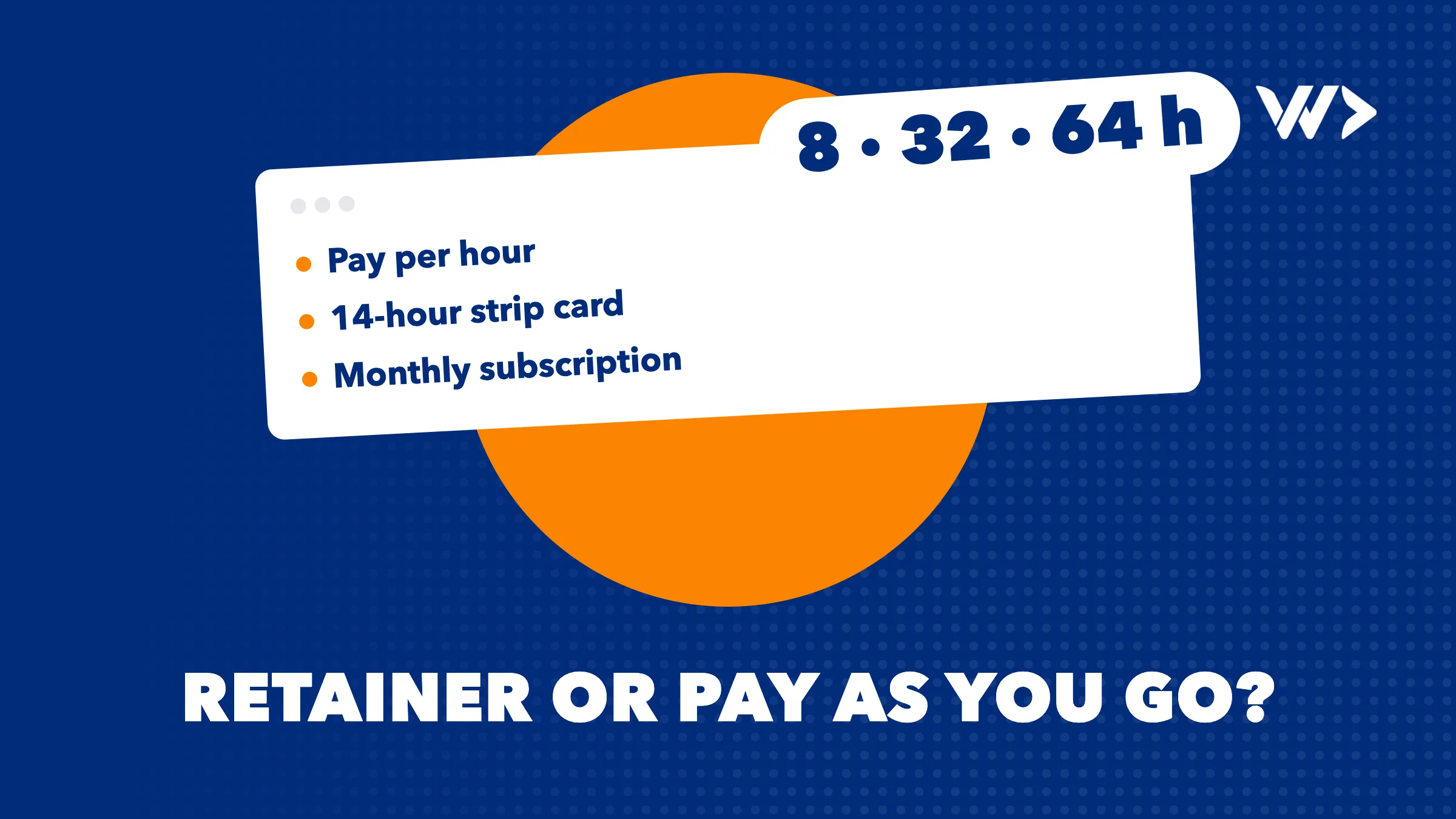
- Ad-hoc hourly (pay as you go). You call when something is needed and pay for the hours worked. No commitment, but also no reserved capacity. At We Do Dev Work this is our emergency help: $85 an hour, a senior developer who starts the same day, no minimum.
- Prepaid hour bundle. You buy a block of hours upfront at a lower rate and they are deducted as work is done. Ours is the strip card: 14 hours for $1,050 (about $75 an hour), we start within 24 hours, valid for 4 months.
- Monthly retainer. A fixed number of hours every month at the best rate, plus proactive work such as updates and monitoring. Ours are the subscriptions: Starter (8 hours, $550), Growth (32 hours, $2,200) and Scale (64 hours, $4,400), all at $68.75 an hour.
What maintenance actually covers: website vs custom app
Before comparing prices, be clear about what you are buying. A brochure website and a custom application need very different work.
| Task | Website (WordPress, CMS) | Custom app or platform |
|---|---|---|
| Updates | Core, theme and plugin updates | Framework and library upgrades, including major versions with breaking changes |
| Security patches | Plugin vulnerabilities, malware checks | Patching dependencies with known vulnerabilities, server and database updates |
| Runtime and platform | PHP version at the host | Language runtime, hosting platform, app store requirements |
| Monitoring | Uptime, SSL expiry | Uptime, error tracking, slow queries, failed background jobs |
| Backups | Site and database backups | Database backups and an occasional restore test |
| Small changes | Text, pages, forms | Bug fixes, small features, changes when a third-party API changes |
The custom side is where costs hide, because the software around your code keeps moving. Some examples from the vendors themselves:
- Laravel ships a major version every year and gives each one 18 months of bug fixes and 2 years of security fixes. Skip two upgrades and you are running unsupported code.
- Node.js long-term support releases typically get critical fixes for 30 months in total, after which you need to move to a newer version.
- Google Play requires new apps and app updates to target Android 16 (API level 36) from 31 August 2026. An Android app nobody maintains eventually cannot ship an update.
None of this is visible to your users until it breaks. That is why the question "retainer or pay as you go" is really about who keeps an eye on it.
Our prices side by side
| Model | Price (excl. VAT) | Per hour | Response | Besides hours |
|---|---|---|---|---|
| Emergency help (hourly) | $85/hour | $85 | Starts the same day | No minimum, no intake |
| Strip card | $1,050 for 14 hours | about $75 | Start within 24 hours | Valid 4 months, hours deducted as we work |
| Starter subscription | $550/month, 8 hours | $68.75 | Reply next business day | Updates and monitoring |
| Growth subscription | $2,200/month, 32 hours | $68.75 | Same-day response | Monthly check-in |
| Scale subscription | $4,400/month, 64 hours | $68.75 | Same-day, ahead of the queue | Monthly planning with a lead developer |
Subscriptions run at least 3 months, then continue with 3 months' notice. Commit to 6 months and you get 5% off, to 12 months and you get 7.5% off. Unused hours do not roll over.
Worked examples: which is cheaper?
Business A: about 5 hours a month
A company with a customer portal that needs a dependency update, a bug fix and a small change most months.
- Hourly: 5 × $85 = $425/month
- Strip card: 5 × $75 = $375/month (one card lasts about 2.8 months, well within the 4-month validity)
- Starter: $550/month for 8 hours, 3 of which go unused
On price alone the strip card wins. Starter only makes sense here if you value the monitoring and routine updates it includes, or if you expect needs to grow.
Business B: about 20 hours a month
A web shop or SaaS product with a steady stream of fixes and small features.
- Hourly: 20 × $85 = $1,700/month
- Strip cards only: 20 × $75 = $1,500/month
- Starter plus strip cards for the extra 12 hours: $550 + $900 = $1,450/month
- Growth: $2,200/month for 32 hours, 12 unused
Starter with a strip card for overflow is cheapest. Growth is $750 more per month, and what that buys is same-day response and a monthly check-in. If your shop loses real money for every hour it is broken, that can be worth it. If not, it is not.
Business C: about 50 hours a month
A platform with an active roadmap and a team that depends on it.
- Hourly: 50 × $85 = $4,250/month
- Strip cards only: 50 × $75 = $3,750/month
- Growth plus strip cards for 18 hours: $2,200 + $1,350 = $3,550/month
- Scale: $4,400/month for 64 hours, or $4,070 with a 12-month commitment
Growth plus overflow is cheapest on paper. Scale becomes the cheaper option from about 61 hours a month, but many teams at 50 hours choose it anyway for the monthly planning with a lead developer and the priority in the queue.
Business D: spiky needs
Nothing for months, then a burst. Say a year with two 20-hour projects (a new feature before high season, an integration) and four small fixes of 3 hours: 52 hours in total.
- Hourly: 52 × $85 = $4,420/year
- Strip cards: four cards, 56 hours, $4,200/year, if the small fixes fall within 4 months of each burst; otherwise you buy a fifth
- Starter for 12 months: $6,105/year with the 7.5% discount, and the 20-hour months still go over the 8 hours
A retainer is the wrong tool here. Buy strip cards for the bursts and call emergency help when something breaks in between.
The break-even points
| Hours per month | Cheapest model (price only) |
|---|---|
| Under about 3 | Hourly |
| About 3 to 7 | Strip card |
| About 7.5 to 30 | Starter, plus a strip card for overflow |
| About 30 to 61 | Growth, plus a strip card for overflow |
| Over about 61 | Scale |
What you get besides the price
The hourly rate is the smallest difference between these models. The bigger ones:
- Response time. Hourly work with most providers means waiting for a free slot. Outerbox, a US agency, warns that getting hourly work scheduled can take a few weeks or even a month. Our emergency help starts the same day, the strip card within 24 hours, and Growth and Scale respond the same day.
- Monitoring. With hourly work and prepaid hours, nobody looks unless you ask. Starter and up include routine updates and monitoring, so problems are often found before your customers find them.
- Context. A developer who works on your system every month fixes things faster than one who has to learn it first. That alone can save hours on every incident.
- Planning. Growth includes a monthly check-in and Scale includes monthly planning with a lead developer. Upgrades like a new framework version then happen on schedule, not in a panic.
The honest downsides
- Unused subscription hours do not roll over. A subscription reserves capacity for you every month. If you only use 4 of your 8 hours, you paid $137.50 per hour used that month. Outerbox notes this is typical for retainers, with some providers allowing carry-over for 30 to 90 days.
- Subscriptions have a 3-month minimum, then 3 months' notice. Fine for a system you will run for years, wrong for a one-off fix.
- The strip card expires after 4 months. If you use fewer than about 12 of the 14 hours in that time, hourly would have been cheaper.
- Hourly has no safety net. No monitoring, no planning, and every request starts with explaining your system again.
How this compares to the market
Clutch lists $50 to $99 an hour as the typical rate for software development companies in the United States. Our rates sit at the upper end of that band, for senior developers only, working in your own repository. A cheaper hourly rate rarely means a cheaper month if the developer first has to learn your system.
How to decide
- Look at the last 6 to 12 months. Count the developer hours you actually used, month by month. The average tells you the price band; the spread tells you whether you are steady or spiky.
- Ask what an hour of downtime costs you. If the answer is "a lot", same-day response and monitoring are worth paying for, even above the break-even point.
- List the upgrades that are coming. Framework versions, runtime end-of-life dates, app store deadlines. If there are several in the next year, a retainer lets you plan them.
- Check the current state. Run a free audit with EngineeringScore to see security, performance and reliability issues that are already waiting.
- Start small if unsure. A strip card is a low-risk way to work with us for a few months and measure your real usage before committing to a subscription.
Your site was hacked or is down right now? Read what to do in the first hour and call emergency help. For the bigger picture on working with an outside team, see how to work with a software agency.
Next step
If your needs are steady, pick a subscription and we keep your software updated, monitored and moving every month at $68.75 an hour. If they come in bursts or you want to test the waters first, buy a strip card: 14 hours, we start within 24 hours. Not sure which fits? Tell us roughly how many hours you used last year and we will tell you honestly which option is cheapest for you. You own the code, and we work in your repository.
Frequently asked questions
Is a software maintenance retainer worth it for a small business?
If you use at least about 7.5 developer hours a month, yes on price alone. Below that, a strip card or hourly work is cheaper, unless monitoring and a guaranteed response matter more to you than the difference.
Do unused retainer hours roll over?
Not with our subscriptions, because they reserve capacity every month. If your usage swings a lot, prepaid hours with a strip card fit better.
Can I combine a subscription with a strip card?
Yes, a common setup is a subscription for the steady base and a strip card for months with extra work. That is often cheaper than jumping to the next tier.
What does maintenance cover for a custom app?
Dependency and framework upgrades, security patches, monitoring, backups, bug fixes and small changes. For mobile apps it also includes keeping up with app store requirements such as Google Play's target API level.
How fast do you respond?
Emergency help starts the same day, the strip card within 24 hours, Starter replies the next business day, and Growth and Scale respond the same day.
Related articles
Cost to Hire a Developer in 2026: 4 Options Compared
What it really costs to hire a developer in 2026: freelancer, agency project, dedicated developer or own employee, with employer costs, notice and hiring time.

Emergency Web Developer: What It Costs, How Fast Help Starts
Website, shop or app down? What an emergency web developer costs (hourly, call-out, retainer), how fast help starts and what to check in the first 15 minutes.

Odoo and Peppol: e-invoicing in Belgium
Belgian e-invoicing in Odoo: what the 2026 Peppol rules require, what Odoo's free access point covers, when to connect Billit or Silverfin, and the cost.


