
We Scanned 1,482 Webshops Before Black Friday: What We Found

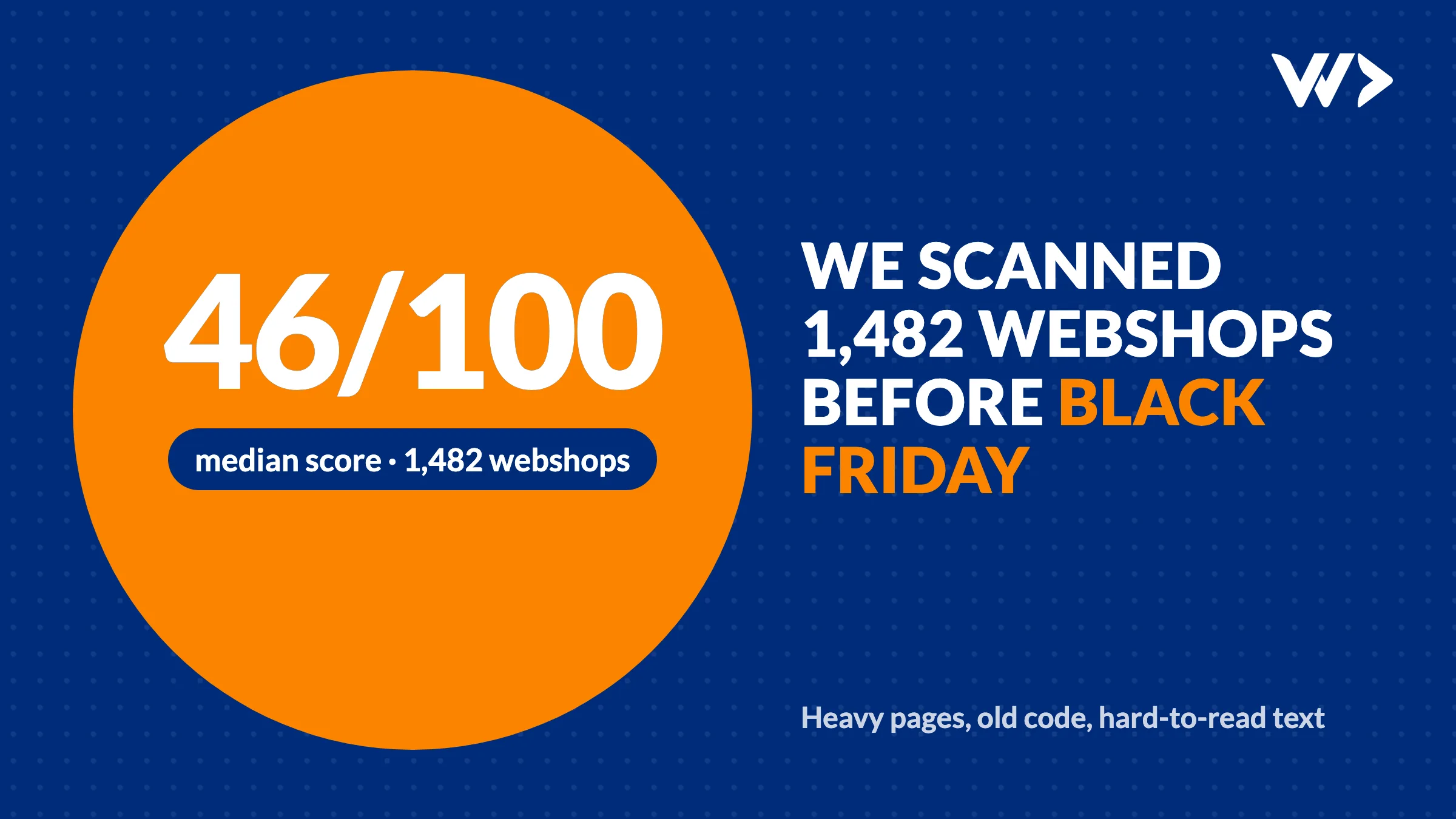
Between 20 and 26 October 2026 we scanned the homepages of 1,482 webshops in the UK, the Netherlands, Belgium and Thailand with EngineeringScore, our own audit tool: 923 on Shopify and 559 on WooCommerce. Black Friday is on 27 November. We wanted to know how ready the average shop is for its busiest weekend of the year.
The short answer: not very. The median shop scored 46 out of 100. Two in three scored below 50, and only 12 shops (1%) reached 80. The good news is that most of what drags the score down is cheap to fix, as long as you fix it before the rush instead of during it.
How we measured
Each shop's homepage was loaded once, with an empty cache, from a server on a fast connection, and checked for performance, security, SEO, accessibility and JavaScript errors. That is a best case: a shopper on a phone with a weaker connection waits longer than the times below. We looked at the homepage only, so product pages and the checkout can be better or worse. We do not name any shop in this article.
The numbers at a glance
| What we checked | Shops with the problem |
|---|---|
| Homepage heavier than 3 MB | 68% |
| Homepage heavier than 5 MB | 42% |
| Took more than 5 seconds to load, even on a fast connection | 61% |
| At least one image over 300 KB | 44% |
| A JavaScript library with a known security issue | 29% |
| Text with too little contrast to read comfortably | 64% |
| Links without a readable name (for screen readers and Google) | 50% |
| JavaScript errors that stop code from running | 25% |
| No share image for WhatsApp, Facebook or LinkedIn | 29% |
| No meta description | 16% |
1. Homepages are far too heavy
The median homepage weighed 4.3 MB. 68% were over 3 MB, 42% over 5 MB and 18% over 10 MB. A good target for a shop homepage is under 2 MB.
What makes them heavy? Where we flagged the weight, images were the biggest part in 54% of shops. On the very heaviest homepages, those over 10 MB, it was usually video: a background video in the hero that starts downloading for every visitor, whether they watch it or not. One homepage downloaded more than 650 MB of video before it was done.
44% of shops had at least one image over 300 KB on the homepage, and 84% had images without a fixed width and height or with images further down the page loading straight away instead of when the visitor scrolls to them.
What to do: resize photos to the size they are shown at and save them as WebP. On Shopify, upload smaller originals; on WooCommerce, use an image optimisation plugin. Replace a background video with a still image on mobile, or give it a poster image and preload="none".
2. Slow, even in the best case
The median homepage took 6 seconds to finish loading in our test, on a fast connection. 61% took longer than 5 seconds and 23% longer than 10 seconds. On a phone in a busy shopping street, add to that.
Weight is one cause. The other is everything a shop loads from other companies: review widgets, chat, pop-ups, tracking and ad tags. In the shops where we flagged it, the median homepage made 337 requests to 15 different companies, and almost a quarter of all shops loaded something from 20 or more.
What to do: open your list of apps or plugins and remove everything you no longer use. Every app you remove is one less thing that can slow down or break during the busiest weekend of the year.
3. Known security holes in old code
29% of shops loaded at least one JavaScript library with a publicly known vulnerability, and 16% had one rated critical. The usual suspects: old versions of the Swiper slider (188 shops), jQuery (149), DOMPurify (54) and Bootstrap (34). They almost always arrive with a theme or plugin that has not been updated in a while.
WooCommerce shops were hit harder: 37% against 23% on Shopify, because on WooCommerce you, not the platform, are responsible for updating plugins and themes.
What to do: update your theme and plugins (or apps) now, test them, and then freeze changes a week before Black Friday. Updating a plugin on the Friday itself is how shops go down.
4. Hard to use for a part of your customers
64% of shops had text with too little contrast, usually light grey on white or white on a bright photo. 50% had links without a readable name, such as icon-only links to the cart or social media, and 21% had images without alt text. 12% even blocked zooming on mobile.
That is not only a problem for people with poor eyesight, it is a problem in sunlight on a phone, too. And since June 2025, the European Accessibility Act requires web shops in the EU to be accessible, with an exception only for the very smallest businesses.
What to do: darken grey text, give icon buttons a name, write alt text for product photos, and allow zooming.
5. Errors nobody sees, until a sale is lost
25% of homepages had JavaScript errors that stop code from running, and 41% had requests that failed. Usually this is an app that was removed but left its code behind, or two scripts that get in each other's way. Sometimes it is harmless. Sometimes it is exactly the button for the discount code or the size selector.
What to do: open your shop in Chrome, press F12 and look at the Console tab. Red lines are errors. Then place a real test order on your phone with every payment method and discount code you will use.
6. The basics for search and sharing
29% of shops had no share image, so a link on WhatsApp or Facebook shows no picture. 16% had no meta description, so Google makes one up. 43% did not have exactly one main heading (H1) on the homepage. Small things, but on the weekend when everyone shares deals, a link without a picture gets fewer clicks.
Shopify or WooCommerce: which did better?
| Shopify (923) | WooCommerce (559) | |
|---|---|---|
| Median score | 45 | 48 |
| Homepage over 5 MB | 50% | 28% |
| Library with a known security issue | 23% | 37% |
| No share image | 18% | 48% |
| Images without alt text | 24% | 17% |
Neither platform wins. Shopify shops are heavier, often because of large hero images, videos and many apps. WooCommerce shops more often run outdated code and miss the basics for sharing, because those depend on plugins the owner has to set up and maintain. The platform matters less than how the shop is maintained.
A five-step plan for the coming weeks
- Scan your own shop for free with EngineeringScore: the same checks as above, with a prioritised list.
- Shrink the homepage: images to WebP at the right size, no autoplay video on mobile.
- Clean up apps and plugins and update what stays.
- Fix the errors in the browser console and place real test orders.
- Freeze changes a week before 27 November.
Our Black Friday checklist walks through the full preparation week by week.
Rather have it done for you?
Our Black Friday package does this work for you: we check speed, checkout and discount codes, fix what we find, and a developer stands by from 27 to 30 November, answering within one hour. Check costs $450, Ready with up to 8 hours of fixes $990 (€390 and €890 in Europe). Order by 13 November, so everything is done before the freeze.
Frequently asked questions
How many webshops did you scan?
1,482 webshop homepages between 20 and 26 October 2026: 923 on Shopify and 559 on WooCommerce, in the UK, the Netherlands, Belgium and Thailand.
What is a good homepage size for a webshop?
Aim for under 2 MB. In our scan the median homepage weighed 4.3 MB, and 42% of shops were over 5 MB, mostly because of large images and background video.
Is Shopify faster than WooCommerce?
Not in our scan. Shopify homepages were heavier more often (50% over 5 MB against 28%), while WooCommerce shops more often ran outdated code with known security issues (37% against 23%). How a shop is maintained matters more than the platform.
How can I check my own shop?
Run a free scan with EngineeringScore at engineeringscore.com. It runs the same checks we used for this article and gives you a prioritised list of what to fix.
Do you name the shops you scanned?
No. This article only reports totals. If your shop was in the scan and you want your own report, run a free scan or get in touch.
Related articles
Selling Online in Thailand: Webshop, PromptPay and Card Payments (2026)
How to take PromptPay and card payments on your own webshop in Thailand: payment providers and fees compared, what you need, what it costs, and a real case.

Shopify or WooCommerce Checkout Not Working? What to Check
Shopify or WooCommerce checkout not working? A 15-minute checklist: status pages, apps and plugins, caching, webhooks, SSL, and when to call a developer.
Black Friday Checklist 2026: Is Your Webshop Ready?
Black Friday is 27 November 2026. A week-by-week checklist for Shopify and WooCommerce shops: speed, checkout, stock, code freeze, conversion and backup plans.


