
Website Suddenly Very Slow? What to Do (15-Minute Checks)

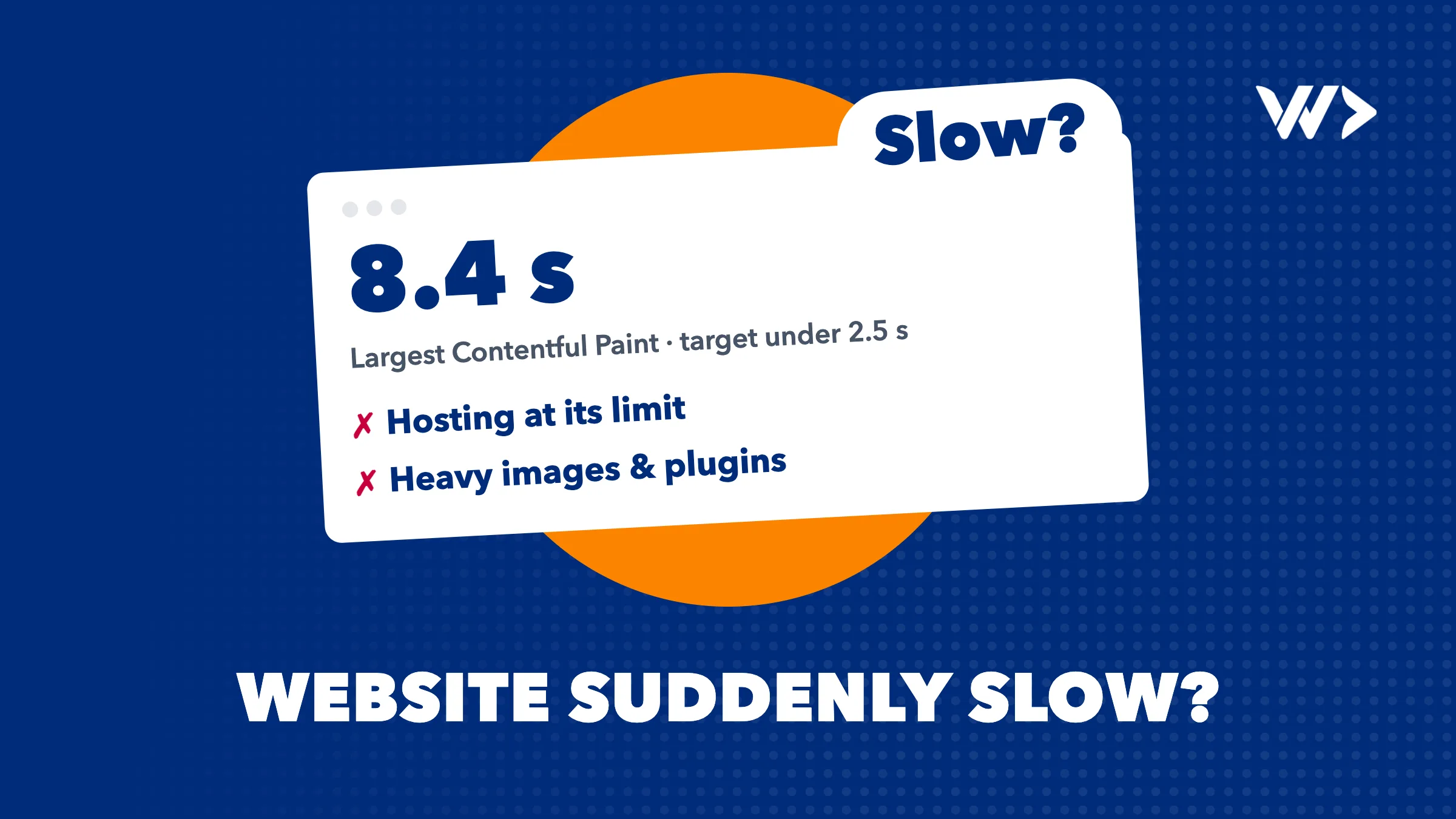
If your website suddenly became very slow, something changed: a plugin or app update, a new script, a traffic spike, a bot attack, or your hosting server running out of resources. A site that was fast last week does not slow down by itself. You can find the likely cause in about 15 minutes without touching any code, and most fixes are small once you know where to look. This guide gives you the checks, a symptom table, and the point at which you should stop and call a developer.
The first 15 minutes: what you can check yourself
- Is it slow for everyone, or only for you? Open the site on your phone using mobile data, then ask a colleague in another location. If only your own connection is slow, your site is fine.
- Is it slow everywhere, or on certain pages? Compare the homepage, a blog post, the checkout and the admin area. If only the admin is slow, suspect a plugin or the database. If only one page is slow, suspect that page (a huge image, a video, an embedded widget).
- What changed in the last few days? Plugin or theme updates, a new app, a new tracking or chat script, a new banner, a marketing campaign, a bigger newsletter. Slowness almost always starts with a change. Check the update log in your CMS and ask your team.
- Run PageSpeed Insights. Go to pagespeed.web.dev and paste your URL. Look at the diagnostics: a long server response time points at hosting or the backend, large images point at media, and a long list of third-party scripts points at marketing tools.
- Look at your hosting dashboard. Most hosts show CPU, memory and bandwidth. A flat line at 100% means you are out of resources or under heavy load. Also check for emails from your host about limits or suspensions.
- Check who is visiting. In Google Analytics (or your host's stats), is traffic much higher than normal? Is it from one country you do not sell to, or one page nobody links to? That is a spike or a bot.
If you already see the answer in steps 3 to 6, you may be able to fix it yourself: disable the newest plugin or script, compress the oversized image, or upgrade the hosting plan. If the whole site is not loading at all, use our website offline checklist instead.
How to measure properly
Two free tools tell you most of what you need.
- PageSpeed Insights shows two kinds of data. The top section is field data from real Chrome users over the last 28 days; the lower section is a lab test run just now. If the lab test is bad but field data is still good, the slowdown is very recent.
- Core Web Vitals in Google Search Console groups your pages by real-user experience. Google's thresholds for a good result are: Largest Contentful Paint (loading) at 2.5 seconds or less, Interaction to Next Paint (responsiveness) at 200 milliseconds or less, and Cumulative Layout Shift (visual stability) at 0.1 or less, measured at the 75th percentile of visits. Note that the report uses a 28-day window, so a fix takes weeks to show up there. Use PageSpeed Insights to confirm a fix today.
For a broader check, EngineeringScore, our own product, runs a free audit of your site covering performance, security, SEO, accessibility and reliability. It is a quick way to see whether slowness comes with other warning signs, such as outdated software or missing security headers.
Symptom, likely cause, what to do
| Symptom | Likely cause | What to do |
|---|---|---|
| Every page slow, server response time very long, started without any change | Hosting: shared server overloaded, plan limits reached, or a noisy neighbour | Check host dashboard and support tickets, ask the host about resource limits, consider a bigger plan or a better host |
| Slow right after an update or install, admin also slow | A plugin, app or theme (heavy queries, conflict) | Roll back or disable the newest change, then re-enable one at a time. Take a backup first |
| Slow pages with big photos, PageSpeed flags image size | Uncompressed images, wrong formats, hero video | Compress and resize images, use WebP or AVIF, lazy-load below the fold |
| Slow only at certain hours or after a campaign or press mention | Traffic spike beyond what the hosting can handle | Enable caching or a CDN, scale up temporarily, plan for peaks next time |
| Sudden slowness, odd visitors, one URL (login, search, xmlrpc) hammered | Bot traffic, scraping or brute-force login attempts | Block with a firewall or CDN rules, rate-limit the login, then check the site is not hacked |
| Page appears but freezes, jumps around, or hangs on loading | A third-party script: chat widget, tracking pixel, ad tag, font or map embed | Look at the waterfall in browser dev tools, remove or delay the slowest script |
| Slow plus strange pop-ups, redirects or spam pages | Hacked site running malicious code | Treat it as a security incident. See our hacked site guide |
The six causes in a bit more detail
Hosting
If the server itself is slow to answer, no amount of image compression will help. The sign is a long server response time in PageSpeed Insights on every page, including simple ones. Cheap shared hosting is fine until your site or a neighbour on the same server grows. Your host can tell you whether you are hitting CPU, memory or process limits.
Plugins and apps
On WordPress, WooCommerce and Shopify, extensions are the most common cause of sudden slowness, usually after an update. One badly written plugin can run hundreds of database queries per page. The admin area being slow too is a strong hint.
Images and media
The classic: someone uploads a 6 MB photo to the homepage. It is easy to fix and easy to spot, because PageSpeed names the exact files.
Traffic spikes
A good problem, but still a problem. A mention in the news, a newsletter or an ad campaign can send more visitors in an hour than your plan was built for. Caching and a CDN absorb most of it.
Bots and attacks
Automated traffic can take a large share of the capacity of a small site. Signs are many requests to the same URL, traffic from regions you do not serve, and slowness without a matching rise in sales or sign-ups. This can also be an attempt to guess your login, so check for a hack afterward.
Third-party scripts
Chat tools, heat maps, ad pixels and cookie banners all load from other companies' servers. When one of them is slow, your site waits for it. This can happen with no change on your side at all.
How to decide: fix it yourself or call a developer
Fix it yourself if the cause is obvious and reversible: one oversized image, one plugin you can disable and re-enable, a tracking script you added last week.
Call a developer if any of these is true:
- You cannot find the cause after the 15-minute checks.
- The site is losing money now (checkout, bookings, leads).
- The slowness came with errors, redirects, spam or login problems, which may mean a hack.
- Your host says you hit limits and you do not know what is using them.
- A fix needs database, server or code changes, or you are afraid of breaking the site.
The cost of waiting is real. A slow checkout loses orders every hour, and slow pages hurt your Google results over time. See also what an emergency developer costs and how fast help starts.
What to have ready before you call
- The URL(s) that are slow and when it started.
- What changed in the last week: updates, installs, campaigns.
- Your PageSpeed Insights result (a screenshot is enough).
- Hosting login or a way to add the developer to it, plus CMS admin access.
- A recent backup, or at least the name of the backup tool.
- Any error messages or emails from your host.
You do not need to understand the technical details. Access and a timeline of changes save the most time, and time is what you are paying for.
What it costs with us
Prices exclude VAT.
- Emergency help: $85 per hour. A senior developer, starting the same day, no minimum, no intake process, billed per hour. Outside office hours it also runs; weekend work costs 50% extra ($127.50 per hour). We sign NDAs.
- Strip card: $1,050 for 14 prepaid hours (about $75 per hour). We start within 24 hours, hours are deducted as we work, valid for 4 months. Good if you want a speed audit now and keep hours for the next problem.
- Subscription Starter: $550 per month for 8 hours, including updates and monitoring, with a reply the next business day. Growth is $2,200 per month for 32 hours with same-day response. Subscriptions run at least 3 months, then 3 months' notice, and unused hours do not roll over.
A plain slowdown with a clear cause, such as an oversized image or a bad plugin, is usually a short job. A hosting migration or database clean-up takes longer; we tell you the estimate before we go further. For a comparison of subscription and pay-as-you-go, read maintenance retainer vs pay as you go, and for typical monthly figures website maintenance cost per month.
How to prevent it next time
- Monitoring. Uptime and speed alerts tell you before your customers do. Our subscriptions include updates and monitoring.
- Controlled updates. Back up, update on a staging copy for important sites, then go live. Never update on a Friday evening before a campaign.
- Script discipline. Every new tracking or chat tool should have an owner and a reason.
- Image rules. A maximum file size for uploads, with automatic compression.
- A strip card in reserve. Prepaid hours mean no purchase process at the moment you are under pressure.
- Capacity planning before campaigns: tell your developer or host when the big email goes out.
Slow right now? Call us
If your site is slow and the checks above did not give you an answer, request emergency help. A senior developer looks at your site the same day, tells you the cause and a price before the bigger work starts, and you own everything we touch. Prefer to plan ahead? See the strip card or contact us.
Frequently asked questions
Why is my website suddenly so slow?
Something changed. The usual suspects are a plugin or app update, a new third-party script, a traffic spike, bot traffic or hosting limits. Check what changed in the last week first.
How can I test my website speed for free?
Use PageSpeed Insights at pagespeed.web.dev for a quick test with real-user data, and the Core Web Vitals report in Google Search Console for trends. EngineeringScore also offers a free audit.
Is my hosting the problem or my website?
If the server response time is long on every page, even simple ones, and your host dashboard shows CPU or memory at the limit, hosting is the likely cause. If only some pages are slow, look at plugins, images or scripts.
Can a bot attack make my website slow?
Yes. Scrapers and login-guessing bots can use up your server resources. Typical signs are many requests to one URL, visitors from regions you do not serve, and slowness without more real customers.
How long until Google shows my speed fix?
Search Console's Core Web Vitals report uses 28 days of real-user data, so improvements appear gradually. PageSpeed Insights lab results change immediately and confirm the fix sooner.
How much does it cost to fix a slow website?
With us emergency help is $85 per hour excluding VAT, with weekends at $127.50. A simple cause is often a short job; we give an estimate before bigger work, such as a migration.
Can I prevent my website from slowing down again?
Largely, yes. Monitoring, controlled updates, a limit on scripts and image sizes, and a plan for traffic peaks catch most causes early. A subscription or a strip card keeps a developer available.
Related articles

Old Developer Won't Hand Over Your Domain or Code?
Who owns your domain, hosting and code, how to get each back from an old agency or freelancer, a polite request template, and what it costs to fix.


Developer Disappeared? How to Get Your Site and Code Back
Your web developer stopped responding or the agency went bust. How to recover your domain, hosting, code and app store accounts, and who can take over.
Shopify or WooCommerce Checkout Not Working? What to Check
Shopify or WooCommerce checkout not working? A 15-minute checklist: status pages, apps and plugins, caching, webhooks, SSL, and when to call a developer.


