Webshop Accessibility (EAA): What to Fix, Why Overlays Fail

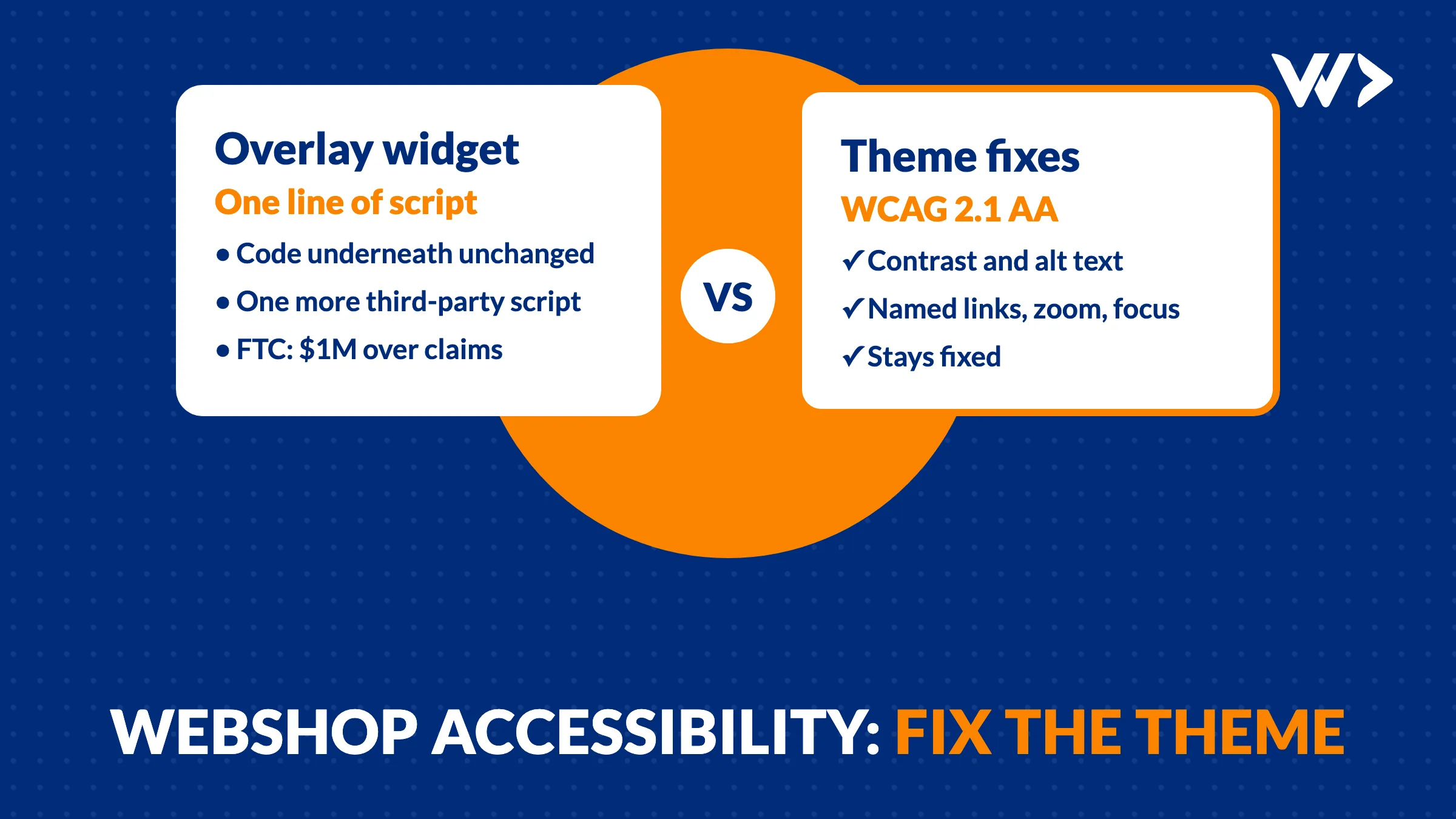
Since 28 June 2025, a webshop that sells to consumers in the EU has to be accessible under the European Accessibility Act, unless it is a microenterprise (fewer than 10 people and no more than €2 million turnover or balance sheet). In practice that means your shop should meet WCAG 2.1 level AA: readable contrast, buttons and links with a name, images with alt text, zoom that works, and a checkout you can complete with the keyboard alone. Most shops fail on the same handful of points, and they are fixed in the theme's code, not with an overlay widget. When we scanned 1,482 webshops in October 2026, 64% had text with too little contrast and half had links without a readable name.
This is the technical side. It is not legal advice: each EU country wrote the act into its own law (in Germany the Barrierefreiheitsstärkungsgesetz, BFSG), and the exact duties and enforcement differ per country.
What the law asks of a webshop
- Who: businesses that sell products or services to consumers online in the EU. E-commerce services are named in the directive itself (Directive (EU) 2019/882, Article 2).
- Who is exempt: microenterprises that provide services: fewer than 10 employees, and an annual turnover or balance sheet total of no more than €2 million. Check this for your own company; growing past it brings you in.
- Since when: the rules apply from 28 June 2025. Service contracts agreed before that date may continue unchanged until 28 June 2030 at the latest, but a webshop that is live today is a service provided now.
- To what level: the harmonised standard EN 301 549, which points to WCAG 2.1 level AA for web content. That is the yardstick an auditor or a regulator uses.
What we found in 1,482 real shops
Between 20 and 26 October 2026 we scanned the homepages of 1,482 Shopify and WooCommerce shops in the UK, the Netherlands, Belgium and Thailand with EngineeringScore, our own audit tool. The full results are in we scanned 1,482 webshops before Black Friday. The accessibility part:
| Problem on the homepage | Shops |
|---|---|
| Text with too little contrast | 64% |
| Links without a readable name (icon-only cart, social and menu links) | 50% |
| Images without alt text | 21% (Shopify 24%, WooCommerce 17%) |
| Zooming blocked on mobile | 12% |
That was the homepage only, checked automatically. Automatic checks find roughly the problems you can measure in code; keyboard use, focus order and the checkout need a person. So read these numbers as a floor, not a ceiling.
The fixes, in the order we would do them
1. Contrast
WCAG asks for a contrast ratio of at least 4.5:1 for normal text and 3:1 for large text (about 24 px, or 19 px bold). The usual offenders are light grey prices and labels, white text on a photo, and a pale brand colour on buttons. The fix is in the theme's colour settings or CSS: darken the grey, put text on a solid or darkened background instead of straight on a photo, and check every colour pair once in a contrast checker. Do it in the theme settings where you can, so an update does not undo it.
2. Give every link and button a name
A cart icon, a search magnifier, a hamburger menu or an Instagram logo means nothing to a screen reader unless it has a text name. Google reads those names too. Add visually hidden text or an aria-label:
<a href="/cart" aria-label="Cart, 2 items"><svg aria-hidden="true">…</svg></a>
On Shopify most of these sit in the header and footer sections of the theme; on WooCommerce in the theme's header template or a page builder widget, which often has a label field nobody filled in.
3. Alt text that describes the product
Product photos need alt text that says what is in the picture: "Black leather ankle boot, side view", not "IMG_4021" or the product name repeated five times. Purely decorative images get an empty alt="" so screen readers skip them. Both Shopify and WooCommerce have an alt field per image in the admin; the work is filling it in, and making sure the theme actually outputs it.
4. Let people zoom
If your theme has maximum-scale=1 or user-scalable=no in its viewport tag, visitors cannot zoom on their phone. Remove both. The tag should be <meta name="viewport" content="width=device-width, initial-scale=1">. Then zoom to 200% on a desktop browser and check that nothing overlaps or disappears.
5. Keyboard and focus
Put your mouse away and press Tab through the homepage, a product page and the whole checkout. You should always see where you are (a visible focus outline), reach every button, open and close the menu and pop-ups, and pick a size or variant. Themes often remove the focus outline because the designer found it ugly; put it back with a clear :focus-visible style. Pop-ups for newsletters and cookies are the most common trap: no way to close them with the keyboard.
6. Forms and the checkout
Every field needs a real label (not only a placeholder that disappears when you type), error messages must say what is wrong in text, not only in red, and the required fields must be marked. The payment step often runs in the payment provider's own frame; that part is the provider's job, but the steps around it are yours. Test the full path with every payment method you offer.
7. Language and structure
Set the page language (<html lang="nl"> on the Dutch shop, and so on) so screen readers pronounce the text correctly, give each page one main heading, and keep headings in order. These are small changes in the theme that also help search engines.
Why an overlay widget does not fix it
Accessibility overlays are scripts that add a toolbar or "AI" layer on top of your shop and promise compliance in one line of code. The problems above live in your theme's HTML and CSS; a script that runs afterwards cannot reliably repair them, and it can get in the way of the screen readers and settings people already use. In April 2025 the US Federal Trade Commission ordered overlay vendor accessiBe to pay $1 million and barred it from claiming that its product can make any website WCAG compliant without evidence. An overlay is also one more third-party script on pages that, in our scan, already loaded code from a median of 15 different companies.
Spend the overlay budget on fixing the theme instead. It is usually a one-off job, and it stays fixed until someone changes the theme.
Shopify or WooCommerce: where the work sits
- Shopify: the platform's checkout is maintained by Shopify; the storefront is your theme. Start with the theme's colour and typography settings, then edit the header, footer and product templates for labels, alt text output and focus styles. Apps that inject pop-ups and widgets are often the worst offenders, so test with them switched on.
- WooCommerce: you own everything: theme, page builder, checkout plugins. Fixes go in a child theme so updates do not overwrite them. Check each plugin that renders front-end HTML, especially sliders, mega menus and product filters.
In both cases, write the fixes into the theme or child theme, and test again after every theme or app update. Choosing a platform? Our e-commerce platform comparison covers the trade-offs.
Check your own shop in 30 minutes
- Run your homepage, one product page and the cart through EngineeringScore or the Lighthouse accessibility check in Chrome (F12, Lighthouse).
- Tab through the shop to a completed test order without a mouse.
- Zoom to 200% on a laptop and pinch-zoom on your phone.
- Turn on VoiceOver (iPhone, Mac) or TalkBack (Android) and listen to your header and one product.
- Write down what failed, in order of where customers lose the sale: checkout first, then product pages, then the rest.
If your checkout is the problem, our guide to a webshop checkout that is not working helps you test the full path. And if you are preparing for the busiest weeks of the year, combine this with the Black Friday checklist.
Want it fixed instead of listed?
Start with our website check, or send us your shop's address through contact. How long the fixes take depends on the theme and the apps, so we estimate it after a first look. You can pay for them by the hour or from a strip card of 14 hours ($1,050).
Frequently asked questions
Does the European Accessibility Act apply to my webshop?
If you sell to consumers in the EU online, most likely yes, since 28 June 2025. Microenterprises that provide services are exempt: fewer than 10 employees and an annual turnover or balance sheet of no more than €2 million. Check your national law for the details; this is not legal advice.
Which standard does my shop have to meet?
The harmonised standard EN 301 549, which for web content points to WCAG 2.1 level AA. That covers contrast, text alternatives, keyboard use, zoom, forms and more.
Will an accessibility overlay make my shop compliant?
No. Overlays run a script on top of your shop but do not repair the theme's HTML and CSS, where the problems are. In 2025 the US FTC barred one overlay vendor from claiming its product makes any website WCAG compliant without evidence.
What are the most common accessibility problems in webshops?
In our scan of 1,482 shop homepages: text with too little contrast (64%), links without a readable name (50%), images without alt text (21%) and zoom blocked on mobile (12%). Keyboard traps in pop-ups and checkouts are common too but need a manual test.
Is Shopify or WooCommerce more accessible?
Neither by default. In our scan, 24% of Shopify shops and 17% of WooCommerce shops had images without alt text. The theme, the apps or plugins and how the shop is maintained matter more than the platform.
How do I test my shop's accessibility myself?
Run an automatic check such as EngineeringScore or Lighthouse, then tab through to a test order without a mouse, zoom to 200%, and listen to a page with VoiceOver or TalkBack. Fix the checkout first.
Related articles
Bing Webmaster Tools: What to Fix First (Our Own Report)
What to fix in Bing Webmaster Tools, in order: IndexNow, short meta descriptions, alt text and old sitemaps. Our own report: 61 issues fixed in one day.

PHP 8.2 End of Life on 31 December 2026: What to Do Now
PHP 8.2 gets no security fixes after 31 December 2026. Which version to move to, what breaks in WordPress or Laravel, and how to upgrade without downtime.
Website Hacked? When to Report a Data Breach in 72 Hours
Your website was hacked and it stores customer data. Do you have to report it within 72 hours? How to decide, what to collect, and where to report it.