Website Visitors but No Enquiries? 9 Fixes From Our Own Site

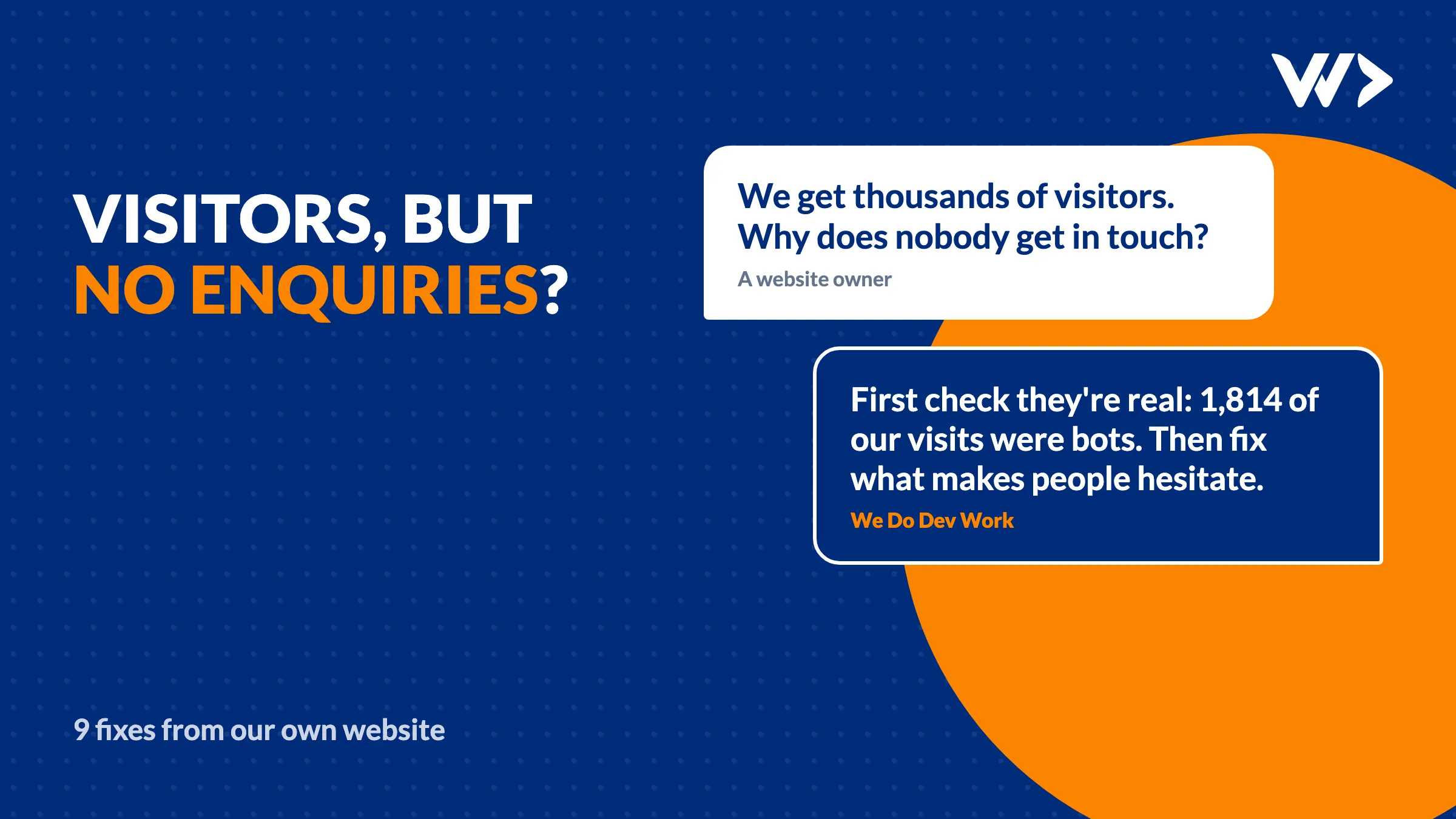
Short answer: when a website gets visitors but few enquiries, first check whether the visitors are real, then look for small things that make people hesitate: prices in the wrong currency, placeholder numbers, a form that asks too much, a message that says nobody is buying. On 11 November 2026 we reviewed our own website, wedodevwork.com, page by page with 30 days of visitor data from Signal, the visitor tool we build ourselves. We found nine problems and fixed them within two days. Here is each one, so you can check your own site.
First: are your visitors real?
Before judging any page, clean the numbers. Ours were inflated in three ways:
Bots: 1,814 visits in 30 days came from Singapore, with not a single enquiry, and 88% of all visits had an unknown device. That pattern points to automated traffic from data centres, not to people.
Email link scanners: 849 visits came from email links. Many company mail servers open every link in an email to check it for malware before the reader sees it. Those clicks look like visits but nobody is there.
Our own team: several of the enquiries in the report were colleagues testing forms. Exclude your team, or every test looks like a lead.
Until you filter these out, an English page with a lot of bot traffic looks worse than it is, and you fix the wrong page. We now filter bots and team visits in our reports.
The 9 problems we fixed
1. A counter that said nobody was buying
Our Thai website package page showed "5 of 5 build slots left this week". Meant as urgency, it told visitors that nobody had booked. The line now only appears once a slot is taken.
2. Two currencies on one English page
Our English service pages showed day rates in euros, while our pricing page shows dollars. A visitor who compares the two sees two prices for the same thing. Service pages now show the same offers and prices as the pricing page, in the currency of the page.
3. Placeholder numbers
45 service pages said "10+ projects delivered" and "10+ experts on the team". Both were placeholders from the template. Vague numbers read as made up. They now show real figures: the size of our team and the founder's 20 years in software.
4. A budget list in the wrong currency
The English contact form asked for a budget in euros. Visitors from the United States, Asia or the Middle East had to convert before they could answer. English now shows dollars, Thai shows baht.
5. A form that asked too much
Our contact form required a phone number. Many people would rather not give one to a company they don't know yet, and in Thailand most business contact happens on LINE. Phone is now optional, and Thai visitors can leave a LINE ID instead.
6. A headline that said nothing
Our About page opened with "OUR JOURNEY". It now says what we are: "Senior developers and designers in Bangkok". Every heading should answer the visitor's question, not ours.
7. A page title that listed only part of what we sell
The title and description of our products page named 5 of our 9 products. Search results are the first page of your website; we now name the main products there.
8. Blog posts that ended without a next step
Readers of our PHP security posts were not offered our free PHP check, and readers of webshop posts were not offered the webshop package that matched the post. Each post now ends with the offer that fits its topic.
9. A privacy policy that didn't mention the visitor tool
Our privacy policy did not describe Signal or our website check. Visitors who fill in a form trust you more when the policy says plainly what you store, where and for how long. It now does, including what the tool does not support.
What the review got wrong
The review was useful, but not every recommendation was right, and some were already fixed. Two examples:
Send every Thai visitor to the Thai site: a forced redirect from English to Thai pages would confuse search engines about which page to show and annoy English-speaking residents of Thailand. Letting the browser language choose the start page, as the site already does, is the better fix. See 5 multilingual SEO mistakes we found on our own site.
Fix a typo on the jobs page: it had already been fixed.
Before you act on any analysis, from a person, an agency or an AI tool, check each point against the live site. A finding that was true last week can be wrong today.
A checklist for your own website
| Check | What to look for |
|---|---|
| Traffic | Countries and devices that bring many visits and no enquiries; email clicks; your own team |
| Prices | One currency per language, the same price on every page |
| Numbers | No placeholders like "10+" or "100%"; only numbers you can back up |
| Urgency | No counters or deadlines that never change |
| Forms | Ask only for what you need to answer; offer the channel your market uses |
| Headings | Each one says what the visitor gets, not what you call the section |
| Next step | Every page and every blog post ends with one offer that fits it |
| Speed | The page loads fast on a phone; see website slow: what to do |
| Trust | A privacy policy that names your tools and what they store |
Want a second pair of eyes?
Our free website check asks a few questions about your business and shows what would bring more enquiries, with a price. If search engines are part of the problem, what Bing Webmaster Tools told us to fix is a good next read. And if you would rather have us look at your site directly, see our prices: no intake, no proposal.
Frequently asked questions
Why does my website get visitors but no enquiries?
Often part of the traffic isn't real (bots, email link scanners, your own team), and the rest hesitates at small things: unclear prices, vague numbers, a long form or no clear next step. Clean the numbers first, then fix the pages people actually visit.
How do I recognise bot traffic?
Look for a country or a device type that brings many visits and never an enquiry, very short visits, and data-centre networks. In our case 1,814 visits from Singapore in 30 days and 88% unknown devices pointed to bots.
Why do email campaigns show visits but no enquiries?
Many company mail servers open every link in an email to check it for malware before the reader sees it. Those clicks count as visits, but nobody is reading.
Should a contact form ask for a phone number?
Only if you really need it to answer. A required phone number makes many people stop. In Thailand, a LINE ID field works better.
Do urgency counters like 'only 2 slots left' work?
Only when they are true and change. A counter that always shows the same number, or shows that nobody has booked, does more harm than good.
Can an AI tool or agency review my website?
Yes, and it can find real problems, as ours did. Check every point against the live site before you act: some recommendations will be wrong or already fixed.
Related articles
Multilingual SEO: 5 Hreflang and Canonical Mistakes We Fixed
Five multilingual SEO mistakes we found on our own five-language site: broken hreflang, query-string canonicals, duplicate pages and untranslated pages indexed.

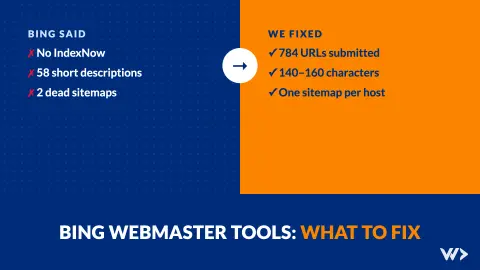
Bing Webmaster Tools: What to Fix First (Our Own Report)
What to fix in Bing Webmaster Tools, in order: IndexNow, short meta descriptions, alt text and old sitemaps. Our own report: 61 issues fixed in one day.
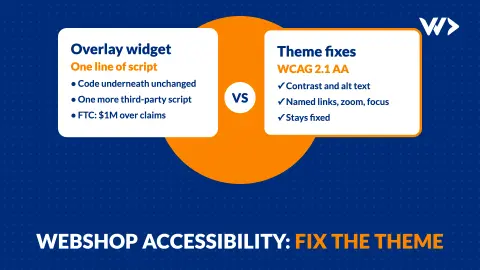
Webshop Accessibility (EAA): What to Fix, Why Overlays Fail
What the European Accessibility Act means for your webshop: the 7 technical fixes most shops need, real scan numbers, and why an overlay widget is not the fix.