Multilingual SEO: 5 Hreflang and Canonical Mistakes We Fixed

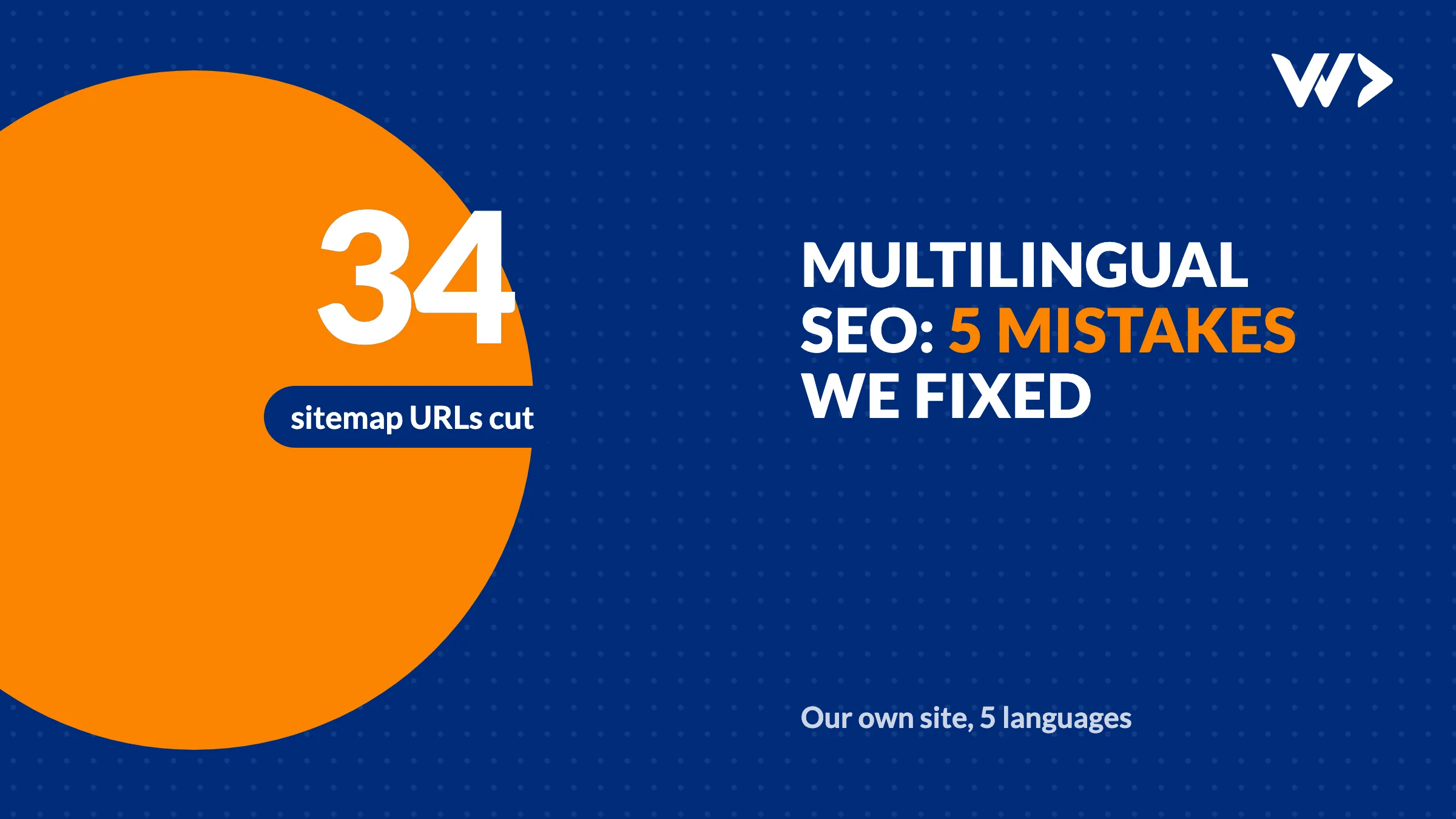
Most multilingual SEO problems come from five mistakes: hreflang tags that don't point at each other, canonical URLs that include query strings, the same text published under several language URLs, untranslated pages that pretend to be translated, and sitemaps that list pages that don't exist in that language. None of them show up when you look at the site in a browser. Between 31 October and 4 November 2026 we found all five on our own site, wedodevwork.com, which runs in English, Dutch, French, German and Thai.
How we found them
We crawled every URL in our sitemap, 776 at the time, and compared titles, descriptions, canonical tags and hreflang tags per language. We also read the page indexing report in Google Search Console, which showed URLs we had never meant to publish. Each mistake below is one we fixed, with what it did and how we fixed it.
1. Language versions that didn't point at each other
Hreflang tags tell Google which URL is the Dutch, French or Thai version of a page, so it can show the right one in each country. They only work when every version lists every other version, including itself.
Our blog posts listed only their own language plus x-default. The English post did not mention the Dutch one, and the Dutch one did not mention the English one. The cause was one line of code: the blog page passed its list of translated languages under the name languages, which overwrote the site-wide list that the SEO component reads. Every alternate ended up without a language code and was dropped. The page looked perfect; only the HTML source showed it.
The fix was renaming that one key. Since 4 November every post lists all its real translations. A post without a Thai version lists four languages, not five.
Check yours: open the page source of one translated page and search for hreflang. You should see one line per language, the same set on every version, plus x-default.
2. Canonical URLs with query strings
Search Console showed Google indexing pages like /th/chat?topic=project_senior and /th/chat?topic=dedicated_developer_medior as separate pages. Our offer buttons link to the chat with a ?topic= parameter that preselects the subject. The canonical tag repeated the full URL, query string included, so every topic link and every link with tracking parameters claimed to be its own page.
The fix: canonical and hreflang tags now use the path only. The parameter still preselects the topic; it just no longer creates a new page for Google. This matters even more on a multilingual site, because every duplicate is multiplied by the number of languages.
3. The same English text under five language URLs
Our free fix guides exist only in English, but the site served them under all five language prefixes, from /en/fixes/… to /th/fixes/…, with the same English title and text. Six guides times five languages: 30 near-duplicate pages competing with each other.
The fix: every language version now has a canonical pointing to the English URL, hreflang lists only English, and the sitemap lists each guide once. That removed 24 URLs from the sitemap. Visitors on the Dutch site still get the Dutch menu around the guide.
4. Untranslated pages dressed up as translated
Our German job pages had the title "Offene Stelle" and the description "Bewerben Sie sich als bei…", with the job name missing: no job had a German translation, so the template filled in nothing. Five German case studies showed the generic English site description for the same reason.
A missing translation is fine. A page that pretends to be German while it has no German content is not: it looks thin to Google and odd to visitors. The fix: pages without a translation get noindex, follow and a canonical to the English version. Our blog posts without a Thai translation already worked this way.
5. Sitemaps that list every language for every page
Our blog and service pages listed only the languages they were written in, but case studies and jobs were listed in all five. The sitemap told Google to crawl German pages that had no German text. Now the sitemap is built from the translations that exist, which removed 10 more URLs.
What changed
| Mistake | Pages affected | Fixed on |
|---|---|---|
| Hreflang missing between blog versions | Every translated blog post | 4 Nov 2026 |
| Query strings in canonical URLs | Every chat link with a topic | 31 Oct 2026 |
| English guides under 5 language URLs | 30 pages | 1 Nov 2026 |
| Untranslated job and case study pages indexed | 10 German pages | 1 Nov 2026 |
| Sitemap listing untranslated pages | 34 URLs removed in total | 1 Nov 2026 |
Google drops duplicates when it recrawls them, which takes weeks, not days. We submit changed URLs to Bing and other engines with IndexNow; see what Bing Webmaster Tools told us.
Check your own multilingual site
- Open one page in each language and view the source. Search for
hreflang: every version should list the same set of languages plusx-default. - Search for
rel="canonical": it should be the clean URL of that language version, without?utm_or other parameters. - In Google Search Console, open the page indexing report and look for URLs with question marks, or pages in a language you never wrote.
- Pick a page you never translated and open it in another language. If it shows untranslated text, it should be
noindexor point its canonical to the original. - Open your sitemap and check that it only lists pages that exist in that language.
Translating into Thai has its own pitfalls, from fonts to word breaks: read translating your website into Thai. For what to build into a site from the start, see our SEO guide for developers.
Want us to check yours?
Start with our website check, or send us your domain through contact. A multilingual SEO check and fixes like these usually take a few hours, which you can pay by the hour or from a strip card of 14 hours ($1,050).
Frequently asked questions
What is hreflang?
An HTML tag (or sitemap entry) that tells search engines which URL is the version of a page for a given language or country, so each visitor gets the right one in the results. Every version must list all versions, including itself.
Do I need x-default?
It is recommended. x-default tells Google which version to show when none of your languages matches the searcher, usually your English or language-selector page.
Should a canonical URL include query strings?
Usually not. Parameters such as ?utm_source or ?topic do not change the content, so the canonical should be the clean path. Otherwise every parameter variant can be indexed as a separate page.
What should happen to pages I haven't translated?
Either don't publish them in that language, or mark the language version noindex with a canonical to the original. Don't let a template fill an untranslated page with empty or generic text.
How long until Google drops the duplicates?
It depends on how often Google crawls your site. Duplicates disappear as Google recrawls them, which typically takes weeks. Submitting your sitemap in Search Console helps; IndexNow speeds this up for Bing and other engines, not for Google.
How do I check hreflang on my site?
Open the page source of each language version and search for hreflang. Each version should list the same set of languages plus x-default, and each URL in that list should return a 200 page with the same tags.
Related articles
Bing Webmaster Tools: What to Fix First (Our Own Report)
What to fix in Bing Webmaster Tools, in order: IndexNow, short meta descriptions, alt text and old sitemaps. Our own report: 61 issues fixed in one day.

Webshop Accessibility (EAA): What to Fix, Why Overlays Fail
What the European Accessibility Act means for your webshop: the 7 technical fixes most shops need, real scan numbers, and why an overlay widget is not the fix.

PHP 8.2 End of Life on 31 December 2026: What to Do Now
PHP 8.2 gets no security fixes after 31 December 2026. Which version to move to, what breaks in WordPress or Laravel, and how to upgrade without downtime.