
Adding a Content-Security-Policy Without Breaking Your Site

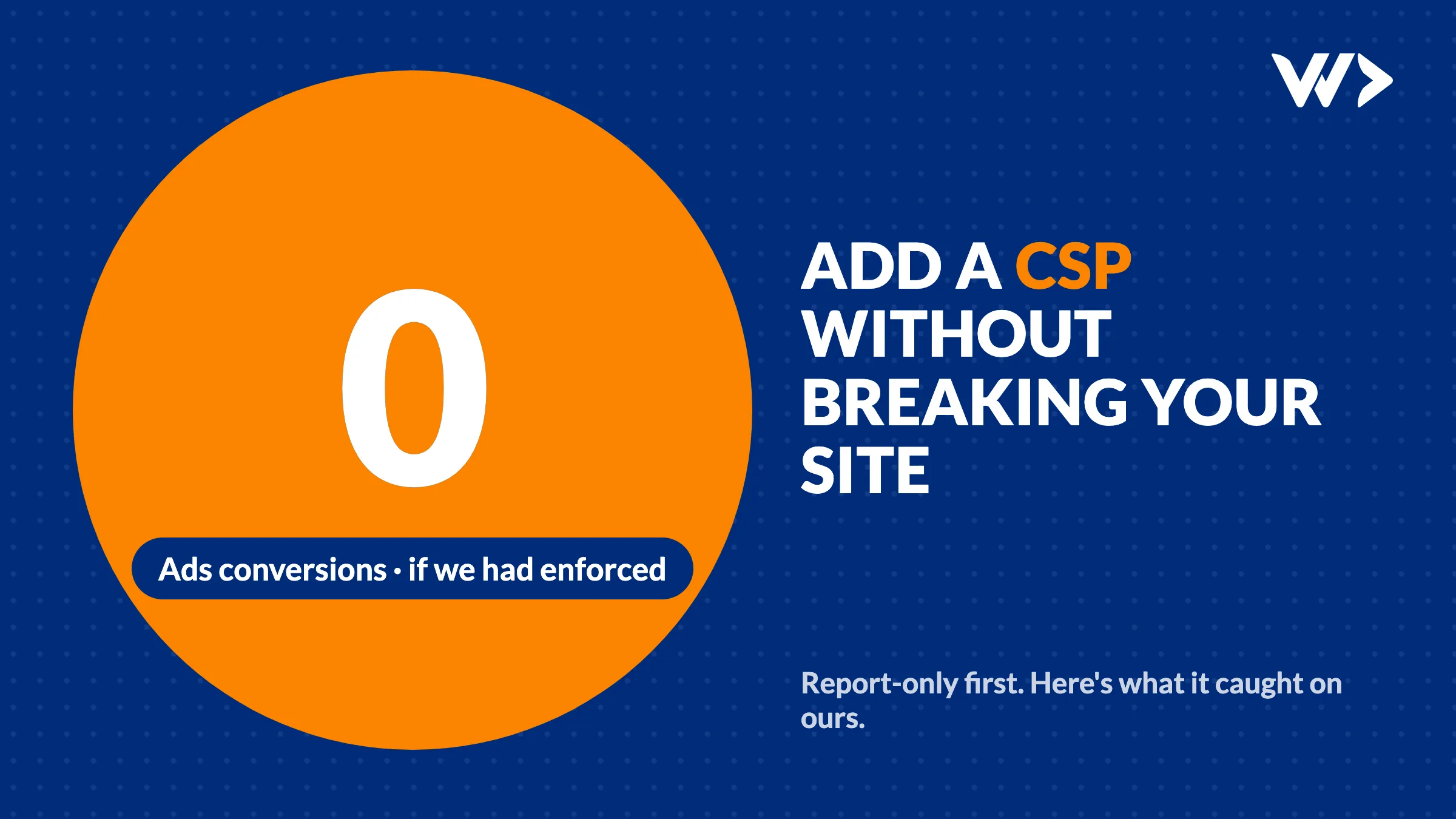
A security scan, a Lighthouse report or your hosting provider tells you the site has no Content-Security-Policy. The fix looks like one header. Copy a policy from a blog, deploy it, done. Then the booking form stops loading, the chat widget disappears, or, worse, nothing visibly breaks and your Google Ads stop counting conversions. We nearly did exactly that on our own site.
The short answer: start with Content-Security-Policy-Report-Only, not the real header. It reports what the policy would block without blocking it. Collect those reports from real visitors for at least a week, on every type of page, add what is legitimate, and only then switch to enforcing.
What a Content-Security-Policy does
It is an HTTP header that tells the browser which sources a page may load scripts, styles, images, fonts, frames and connections from. If an attacker manages to inject a script (through a hacked plugin, a compromised third-party script or a form that doesn't clean its input), the browser refuses to run it or to send data to an unknown server. It is one of the strongest defences against cross-site scripting and card skimmers on checkouts.
It is also common to have none. When we scanned 1,482 webshops before Black Friday, about a third were flagged for a missing Content-Security-Policy.
Why "just add the header" breaks sites
A policy is a whitelist. Everything you forget is blocked, silently for the visitor, with only a line in the browser console. The usual victims:
- Analytics and ad tags. Google Analytics, Google Ads, Meta Pixel and Microsoft Clarity load from several hosts and often redirect to more.
- Embeds. Booking tools (Calendly), maps, YouTube, chat widgets and payment iframes each need their own frame and script sources.
- Inline scripts. Many frameworks and CMSs put small scripts directly in the page. A strict policy blocks them unless you allow
'unsafe-inline'or add a nonce (a random value per page view). - Pages nobody tests. The contact page, the thank-you page after a form, the checkout. These are often the pages that load the conversion and payment scripts.
What happened on our own site
Our site has run a report-only policy since July 2026. We built the first version from a full network trace of production, not from a guess. These are the things that trace and the reports caught, any of which would have broken something if we had enforced on day one:
- The Google Ads conversion ping fires only on the contact page. A homepage check never sees it. Enforcing without it would have stopped Ads from counting our main conversion: a contact request.
- Microsoft Clarity redirects to a Bing host. Allowing
*.clarity.msis not enough; its ID sync hops toc.bing.com. - The Ads remarketing pixel uses the visitor's country domain, such as
google.beorgoogle.co.th, notgoogle.com. CSP has no wildcard for that, so we list the countries we sell in and accept a small gap in audience data for the rest. - A second Ads host appeared on every page. On 19 October 2026 a fresh sweep of six page types showed
pagead2.googlesyndication.comloading everywhere. It had not been in the July trace. Our own security scan had said the policy looked fine and we could "just rename the header". Had we done that, Ads conversions would have dropped to zero without a single visible error.
Two smaller lessons from the same work. Chrome ignores upgrade-insecure-requests in a report-only policy and logs a console error about it, which Lighthouse then counts against you, so add that directive only when you switch to enforcing. And our framework (SvelteKit) writes an inline hydration script, while our hosting only allows fixed headers. That means 'unsafe-inline' on scripts stays until we add per-request nonces. A policy with a known, documented compromise still blocks far more than no policy.
How to roll out a CSP without breaking anything
- List what your pages load. Open the browser's developer tools, Network tab, and click through the homepage, a content page, the contact or booking page, the checkout and the thank-you page. Note every host.
- Write the policy from that list. Start with
default-src 'self'and add each host to the directive it needs:script-src,connect-src,img-src,frame-src,style-src,font-src. - Deploy it as report-only, with reporting. Send it as
Content-Security-Policy-Report-Onlywith bothreport-to(plus aReporting-Endpointsheader) and the olderreport-uri. Not every browser supportsreport-toyet, so use both. Log only the directive, the blocked host and the page path: full URLs can carry visitor data. - Read the reports for a week. Real visitors use other browsers, extensions, countries and pages than you do. Add what belongs to you or your tools; ignore noise from browser extensions.
- Re-check after every tag change. Marketing tools change their hosts without telling you. Sweep the same page types again after any change to the tags or the policy.
- Switch to enforcing. Rename the header to
Content-Security-Policy, keep the reporting, and watch the reports and your conversion numbers for the next days.
| Your situation | What to do |
|---|---|
| Scan says "no CSP", site works fine | Start report-only this week; don't copy a policy from elsewhere |
| You added a CSP and something stopped working | Switch the header back to report-only now, then fix the policy from the console errors |
| You run Google Ads or Meta ads | Test the pages where conversions fire, and check conversion numbers for a few days after enforcing |
| Webshop with a checkout | Test a real (test-mode) payment with the policy in place; payment iframes need their own sources |
| WordPress with many plugins | Expect a long list; plugins that inject inline scripts may force 'unsafe-inline' for now |
Need help?
We set up a Content-Security-Policy the safe way: a trace of your real pages, a report-only phase with logging, and the switch to enforcing once the reports are clean, with your analytics and conversions checked before and after. Send us your website address →
Running an agency? We do this under your name, under NDA. See how we work with agencies →
Related
Frequently asked questions
What is Content-Security-Policy-Report-Only?
A version of the CSP header that only reports what the policy would block, without blocking it. Browsers send the violations to the reporting address you set, so you can fix the policy before enforcing it.
How long should a CSP stay in report-only mode?
At least a week of real traffic with no legitimate sources left in the reports, and longer if your site has pages with few visitors, such as a checkout or a thank-you page.
Should I use report-to or report-uri?
Both. report-to is the newer one and needs a Reporting-Endpoints header; report-uri is deprecated but still needed because report-to is not supported in every browser yet.
Can a CSP break Google Ads or Analytics tracking?
Yes. If the hosts the tags load from or send data to are missing, the browser blocks them without any visible error, and conversions simply stop being counted.
Is a CSP with 'unsafe-inline' useless?
No. It still restricts where scripts, frames and connections can come from and where data can be sent. Removing 'unsafe-inline' with nonces is better, but a documented compromise beats having no policy.
Related articles
Added an SPF Record and Lost Google Search Console? Here's Why
Adding SPF can silently delete your Google verification code from the same DNS TXT record. How it happened to us on six domains, how to check yours and how to fix it.

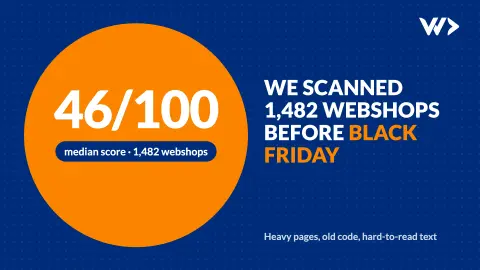
We Scanned 1,482 Webshops Before Black Friday: What We Found
We scanned 1,482 Shopify and WooCommerce shops in October 2026. The median scored 46/100: heavy homepages, slow loading, outdated code and accessibility gaps. What to fix first.
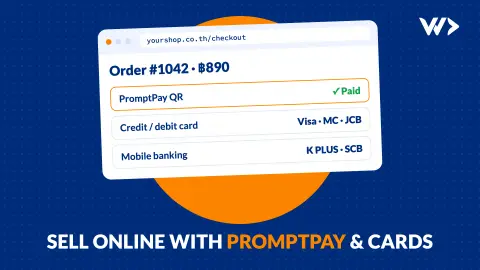
Selling Online in Thailand: Webshop, PromptPay and Card Payments (2026)
How to take PromptPay and card payments on your own webshop in Thailand: payment providers and fees compared, what you need, what it costs, and a real case.


