
Added an SPF Record and Lost Google Search Console? Here's Why

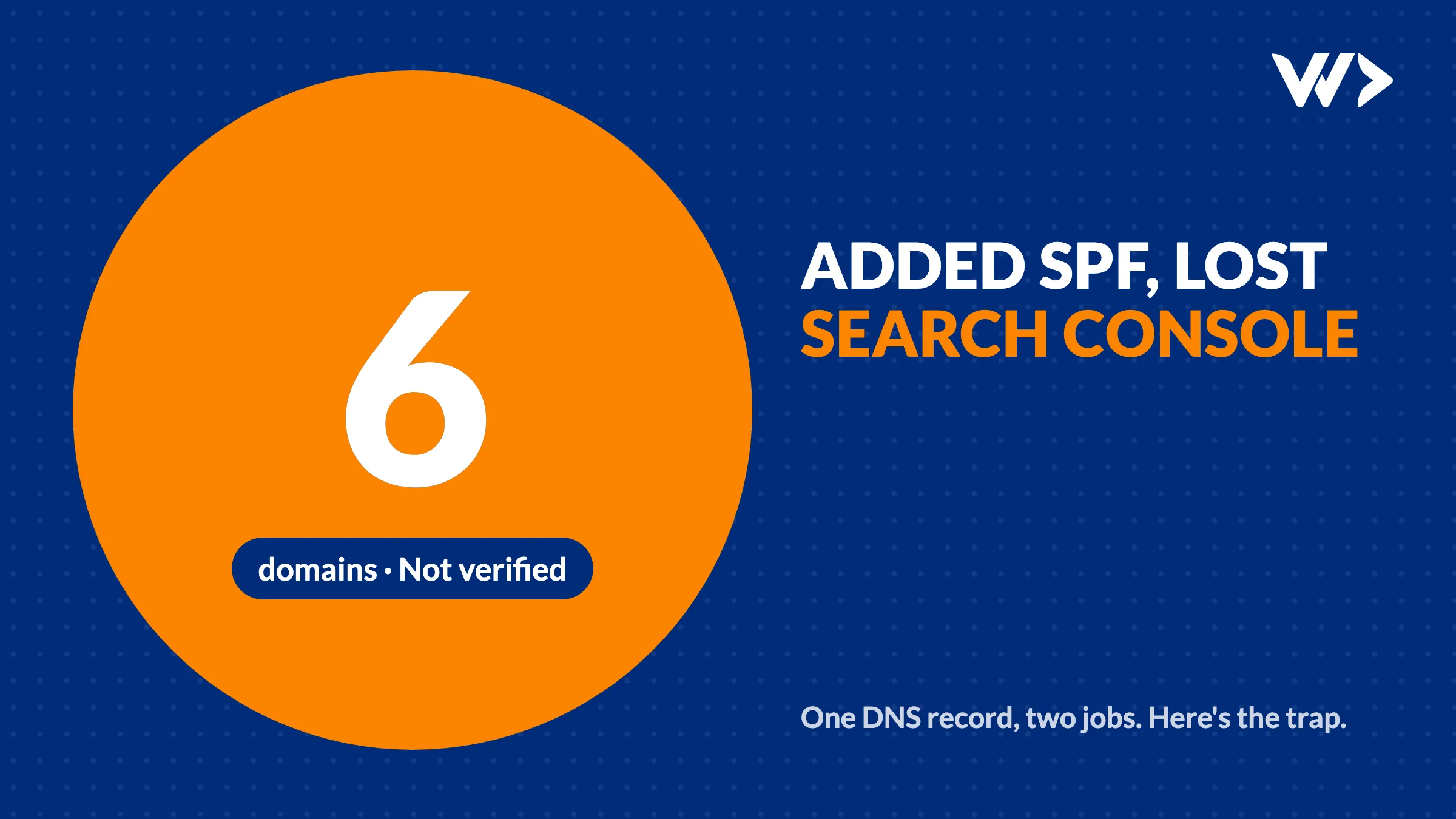
You add an SPF record so your emails stop landing in spam. A week later Google Search Console says your site is Not verified, and nobody touched Search Console. The two are connected more often than you would think, and it happened to us.
The short answer: SPF and the Google verification code both live in the TXT record of your root domain. Many DNS panels keep all those values in one record. If you replace that record with only the SPF line, the Google code is gone. Search Console checks for it regularly, and when it is missing your verification lapses. The fix is to add the old value back next to SPF, never instead of it.
Why one change breaks the other
The TXT record on your root domain (example.com, not www) is a shared shelf. It typically holds:
- SPF, the line starting with
v=spf1, which says which servers may send email for your domain. - google-site-verification=…, which proves to Search Console that you own the domain.
- Other proofs of ownership:
MS=…for Microsoft 365,facebook-domain-verification=…,apple-domain-verification=…and similar.
Some DNS panels (Cloudflare, for example) show each value as its own row, so adding one leaves the others alone. Others, such as AWS Route 53 and several registrars, show one TXT record with several lines. There, saving the record with only your new line deletes every line you didn't type. Email setup guides rarely warn you, because they assume an empty record.
Google is clear about the consequence: to stay verified, don't remove the DNS record, even after verification succeeds. Search Console periodically checks that the code is still there. If it isn't, you get a warning and, after a grace period, the property loses its verified owners.
What happened to us
On 19 October 2026 we set up Google Workspace email on six domains we manage: five of our own products and one client webshop. The setup replaced the root TXT record on each domain with the Workspace SPF line. Email worked perfectly. Nothing looked wrong.
Seven days later, on 26 October, two of those domains showed Not verified in Search Console. When we checked all six, every one had lost its google-site-verification value. The cause took ten minutes to find: comparing the live TXT record with what it held a week earlier.
- How we got the old values back: the domains are on AWS Route 53, which logs every DNS change in CloudTrail (kept 90 days). Each ChangeResourceRecordSets event still contained the old record, Google code included.
- The fix: we added each Google code back next to the SPF line, in the same record, and clicked Verify in Search Console. All six were verified again the same day.
- The damage: none this time, because we caught it while Google was still in its grace period. Left alone, we would have lost access to search data and settings for six sites.
The lesson we wrote into our own runbook: before any change to a root TXT record, list what is in it, and keep all of it.
How to check your own domain
Open a terminal and run:
dig TXT example.com +shortOn Windows: nslookup -type=TXT example.com. Or use any online DNS lookup tool. You should see something like:
"v=spf1 include:_spf.google.com ~all"
"google-site-verification=AbC123..."
Check three things:
- Is your Google code there? If Search Console is set up for this domain and there's no
google-site-verificationline, it will lapse. - Is there exactly one SPF line? Two lines starting with
v=spf1is an error under the SPF standard (RFC 7208). Receiving mail servers then treat your SPF as broken. If you send through two services, merge them into one line:v=spf1 include:_spf.google.com include:mailgun.org ~all. - Are your other proofs still there? Microsoft, Meta, Apple and others check their codes too.
DKIM and DMARC are not at risk here: they live on their own names (selector._domainkey.example.com and _dmarc.example.com), not on the root.
Already lost it? How to fix it
- Find the old value. Look in your DNS provider's change history or audit log (Route 53: CloudTrail, kept 90 days). Some registrars keep a history too. No history? Start verification again in Search Console and it will give you a TXT value to add.
- Add it, don't replace. Put the Google code back as an extra line in the same TXT record, next to SPF and anything else that is there.
- Wait for DNS. Usually minutes; up to the TTL of the record (often an hour).
- Click Verify in Search Console on the property that says Not verified.
- Check email still passes. Send a test to a Gmail address and look for
spf=passunder Show original.
How to avoid it next time
- Before editing a TXT record, copy its current contents somewhere.
- Prefer DNS changes that add a value over ones that replace a record. In Route 53 that means reading the record set first and saving the full, merged list.
- Keep a short list of what each domain's root TXT must contain. It takes five minutes and saves a week of confusion.
- After any DNS change, check Search Console and send a test email the same day.
Domain, email and DNS problems are part of our emergency help: we find the cause, fix it and tell you what happened. For more email trouble, see why your website's emails don't arrive.
Related reading
Frequently asked questions
Why did my site become 'Not verified' in Google Search Console?
Most often the google-site-verification TXT value was removed from your DNS, for example when an SPF record was added by replacing the existing TXT record. Search Console checks for the code regularly and warns you when it is gone.
Can SPF and google-site-verification be in the same TXT record?
Yes. A domain can have many TXT values at the root. Keep the SPF line and the Google code side by side; just never have two separate SPF lines.
Can I have two SPF records?
No. The SPF standard (RFC 7208) says a domain must not publish more than one SPF record; receiving servers then return an error. Merge all senders into one line starting with v=spf1.
How do I get my Google verification code back?
Check your DNS provider's change history or audit log for the old value. If there is none, start verification again in Search Console and add the new TXT value next to your SPF line.
Does this affect DKIM or DMARC?
No. DKIM and DMARC records live on their own names (selector._domainkey and _dmarc), not on the root domain, so replacing the root TXT record does not touch them.
Related articles

Selling Online in Thailand: Webshop, PromptPay and Card Payments (2026)
How to take PromptPay and card payments on your own webshop in Thailand: payment providers and fees compared, what you need, what it costs, and a real case.


PHP2Shell: what to do now with your WordPress or Laravel site
Two critical PHP flaws (CVE-2026-109618, CVE-2026-109619) let attackers take over servers. What to do today: patch, protect until you can, and check for a break-in.
Old Developer Won't Hand Over Your Domain or Code?
Who owns your domain, hosting and code, how to get each back from an old agency or freelancer, a polite request template, and what it costs to fix.


