
Translating Your Website Into Thai: Why Every Line Needs a Native Check

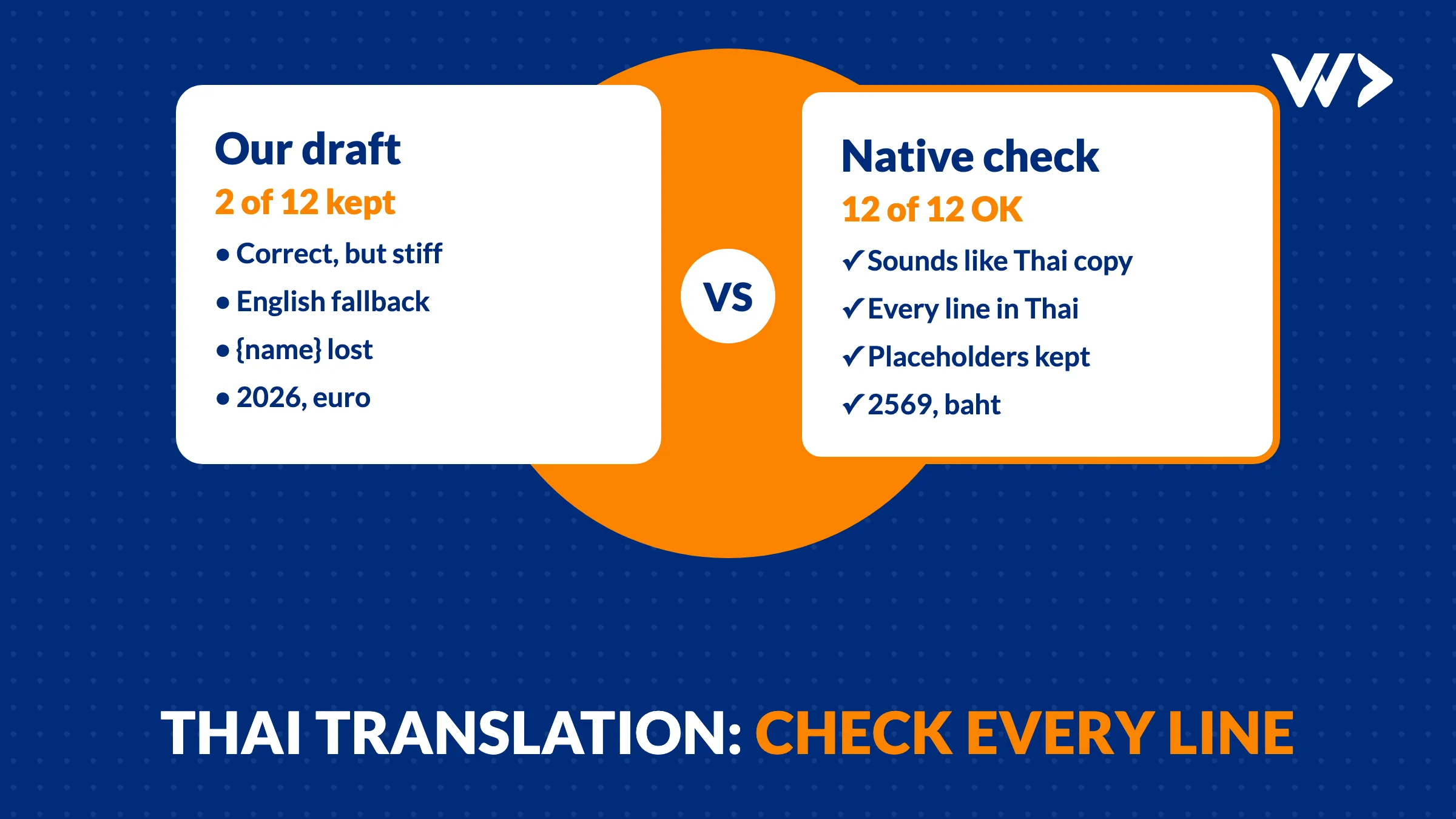
A Thai version of your website can be grammatically correct and still feel wrong to Thai readers: too stiff, too direct, or obviously translated. On a website that sells, that costs trust. And some mistakes don't show in the text at all, but in what the page does with it: a button that loses a name, a date in the wrong calendar, a price in the wrong currency.
The short answer: have a native speaker check every line, sentence by sentence, with context: where the text appears on the page and what any placeholder means. Then check the page itself in Thai: missing text, dates, prices and line breaks.
Launching in Thailand? We build and translate websites for the Thai market, with a native check of every line. See our website packages →
Our own case: 12 lines, 10 rewritten
In October 2026 we added a new offer block to our agency page: a heading, a short description, the price maths, the terms and a coffee button for each person you can talk to. Twelve lines of text in total.
The first problem was invisible to us: the Thai version had no text for the block at all. Our site falls back to English when a translation is missing, so Thai visitors saw an English block in the middle of a Thai page. No error and no warning. We only found it in a line-by-line check against the brief.
We wrote the 12 Thai lines ourselves, using the Thai words the rest of the site already used. Then a native Thai colleague reviewed them on a simple review page: each line with the English next to it, a note on where it appears, and a button to approve or fix it.
The result: 2 lines approved as written, 10 rewritten. None of our lines was wrong in the dictionary sense. The changes were about how Thai readers expect a business to talk:
- Tone. "Black Friday came early" became a livelier "Black Friday มาเร็วกว่าที่คิด!" (earlier than you think!). Our literal version read like a notice; the new one reads like an offer.
- Explaining instead of compressing. Our short description became two clear sentences: who the developers are, that they work under an NDA, and then the deal. Thai marketing copy is often fuller than English.
- English words where Thais use them. The reviewer kept "Senior Developer" and "Ticket" in English. That is how people in Thai tech companies actually say it.
- The Buddhist calendar. "Valid until 31 December 2026" became 31 ธันวาคม 2569. Thai readers use the Buddhist Era, 543 years ahead.
We saw the same on a Thai email for our own directory: 12 of 14 lines rewritten, mostly to sound more polite and natural, for example by ending sentences with the polite particle ค่ะ.
The mistakes that weren't about language
Three problems came from the page, not from the translation:
- A placeholder went missing. The button text is "Coffee with {name}": the site fills in the person's name. In the reviewed version,
{name}was gone, so every button would have said "coffee with" and nothing else. Reviewers see a code they don't understand and tidy it away. - A placeholder was misread. In "you pay for {paid}",
{paid}is the number of cards (2). The reviewer read it as an amount and wrote "{paid} baht", which would have shown "pay only 2 baht". - The wrong currency. The price block showed euro in every language, also on the Thai page. A Thai agency pays in baht, so we changed the code to show ฿51,800 instead of €1,820.
We fixed both placeholders before publishing and explained them in the review notes. The lesson: a reviewer can only protect what they understand, so tell them what every placeholder is.
Checklist: translating a website into Thai
- Find missing translations first. Compare the keys of your English and Thai files, or browse the Thai site looking for English. Fallbacks hide gaps.
- Review sentence by sentence, with context. For each line: the English original, where it appears (button, heading, small print) and an example of any placeholder, such as {name} = Vincent.
- Check placeholders automatically. Every {placeholder} in the English line must also be in the Thai line. A small script catches this before a customer does.
- Use the Buddhist year in Thai text, and use it everywhere: 2569 in one place and 2026 in another looks careless.
- Show prices in baht on Thai pages, with the format Thai buyers know (฿25,900 or 25,900 บาท).
- Test the layout in Thai. Thai has no spaces between words, so long lines can break in odd places, and a font without Thai characters falls back to a system font. Check buttons and headings on a phone.
- Keep a native reviewer for every change, not only at launch. Our missing block was a later addition.
Machine translation or a translator?
Machine translation and AI give a good first draft and are fine for internal text. For pages that sell, they have the same weak spots as our own draft: literal tone, no polite particles, dates and currency copied from the English. Use them for the draft, and have a native speaker approve every line. That costs far less than a full translation from scratch, and it is the part that makes the page sound like it was written for Thai readers.
If you are budgeting a Thai website, include this step: see what a website costs in Thailand in 2026.
Frequently asked questions
Can I use Google Translate or AI to translate my website into Thai?
For a first draft, yes. For pages that sell, have a native speaker check every line: machine translations tend to sound literal, miss polite particles and copy dates and currencies from the English.
Should a Thai website use 2026 or 2569?
In Thai text, use the Buddhist Era: 2569 for 2026. Whatever you choose, use it consistently across the site.
Why does part of my Thai website show in English?
Usually the Thai translation is missing for that text, and the site falls back to English without an error. Compare the English and Thai translation files to find the gaps.
What is a placeholder and why does it matter in translation?
A code such as {name} or {price} that the website replaces with real values. If a translator deletes or changes it, the page shows empty or wrong text. Check that every placeholder survives translation.
Related articles
www Version of My Site Shows a Security Error: Why and How to Fix It
Your site works without www, but www.yourdomain gives a security warning. Why it happens, how 13 of 1,482 shops we scanned had it, and how to fix it on Shopify or WooCommerce.

Adding a Content-Security-Policy Without Breaking Your Site
A scan says your site has no CSP. Don't just add the header: how report-only mode works, what it caught on our own site, and a safe six-step rollout.
Added an SPF Record and Lost Google Search Console? Here's Why
Adding SPF can silently delete your Google verification code from the same DNS TXT record. How it happened to us on six domains, how to check yours and how to fix it.


