
www Version of My Site Shows a Security Error: Why and How to Fix It

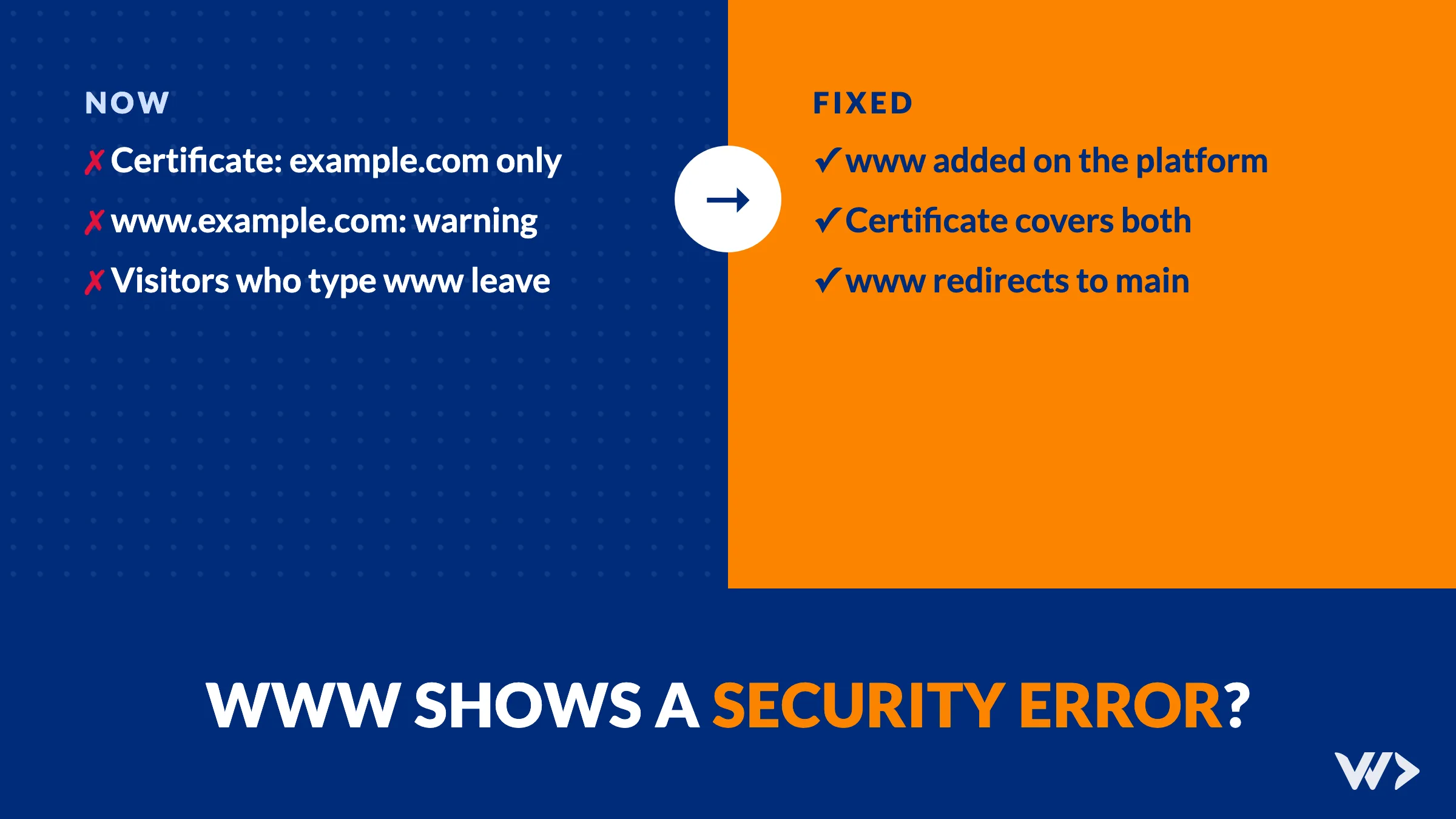
Your shop opens fine at example.com. But type www.example.com and the browser shows a full-page security warning: Your connection is not private, Warning: Potential Security Risk Ahead, or a plain connection error. The padlock on the normal address tells you nothing is wrong, so the problem goes unnoticed for months.
The short answer: a security certificate covers specific names. Yours covers example.com, but not www.example.com, or the www name points to a server that has no certificate for it. Add the www name to your shop or hosting so a certificate is issued for it, and redirect it to your main address.
Want it checked today? Send us your address. We check both versions, fix the DNS and certificate, and set the redirect. Get help →
Why one address works and the other doesn't
To a browser, example.com and www.example.com are two different names. Each one needs to point to your shop, and the server there needs a certificate that lists that exact name. When you check your own site you usually type the short version, or your browser fills it in, so you never see the broken one. Your customers do: some type www out of habit, and old links, printed flyers, email signatures and other websites often use it.
The usual causes:
- The www name was never added to your shop or hosting. DNS points www to the right place, but the platform doesn't know it should serve that name, so it has no certificate for it. This is the most common one on Shopify.
- The certificate only lists one name. On your own hosting (WooCommerce, WordPress), the certificate was requested for
example.comonly. It needs both names, or a separate certificate for www. - www still points to an old host. After a move to a new platform, the main address was updated but the www record still points to the previous server, which no longer has your certificate.
- The www record is missing. Then visitors get "site can't be reached" instead of a warning. Different message, same lost customer.
A real case from our scan
Before Black Friday 2026 we scanned 1,482 webshops. On 13 of them, the www version failed with a security error while the normal address worked: 9 on Shopify and 4 on WooCommerce. Another 24 shops didn't send visitors from http:// to https:// at all.
One of the 13 was a UK Shopify shop. We checked it again on 28 October 2026: the main address had a valid certificate, issued for the main address only. The www name pointed to Shopify, but the connection was refused with a handshake failure, because www was not connected as a domain in the shop. The padlock on the main address was real, and that is exactly why this problem survives so long: the address you check is the one that works.
How to check your own site in two minutes
- Open a private window and type
https://www.followed by your domain. Then do the same without www. Both should open your site, ideally landing on the same address. - Also try
http://(without the s) for both. You should end up on the secure version every time. - For a second opinion, run your www address through a free SSL checker. It shows which names the certificate covers.
| What you see on www | Likely cause | Fix |
|---|---|---|
| Security warning or "connection not private" | No certificate for the www name | Add www to your shop or hosting; let it issue a certificate |
| Handshake or SSL protocol error | www points to a server that doesn't serve your domain | Connect www on the platform, or fix the DNS record |
| "Site can't be reached" | No DNS record for www | Add the www record your platform asks for |
| Your old site or a parking page | www still points to the previous host | Point www to the new platform |
| Works, but stays on www while the other stays on non-www | No redirect between the two | Choose one main address and redirect the other |
How to fix it
Shopify
In Shopify admin, go to Settings → Domains. Check that both example.com and www.example.com are listed as connected. If www is missing, connect it. Shopify's instructions for a domain bought elsewhere: an A record for the root pointing to 23.227.38.65 and a CNAME record named www pointing to shops.myshopify.com. Shopify then provisions the certificate itself; it can take up to 48 hours before everything is live. Set one of them as the primary domain so the other redirects to it.
WooCommerce or WordPress on your own hosting
Check the DNS record for www first. Then reissue the certificate for both names: in most hosting panels (cPanel, Plesk, Combell and similar) you tick both example.com and www.example.com when requesting a Let's Encrypt certificate. With Certbot on your own server, request both names in one certificate. Then add a redirect from the non-main version to the main one.
Behind Cloudflare or another CDN
Make sure the www record exists in the CDN's DNS and is proxied like the main record, and that the edge certificate covers both names. Most do by default; custom setups sometimes don't.
Need help?
We check both versions of your address, fix the DNS and certificate, and set up the redirect, usually the same day. Get emergency help → or contact us.
Related
- SSL Certificate or Domain Expired? How to Get Your Site Back
- We Scanned 1,482 Webshops Before Black Friday: What We Found
- Added an SPF Record and Lost Google Search Console? Here's Why
Source: Shopify Help Center, connecting a third-party domain.
Frequently asked questions
Why does my site work without www but show an error with www?
The certificate or the platform only covers the name without www. The www name either has no certificate or points to a server that doesn't serve your site.
I have an SSL certificate. Why do visitors still get a warning?
A certificate lists specific names. If it was issued for example.com only, www.example.com is not covered. Check which names it lists with a free SSL checker.
How do I fix the www error on Shopify?
In Shopify admin, open Settings → Domains and connect www.yourdomain as well. Point its CNAME record to shops.myshopify.com. Shopify issues the certificate itself; it can take up to 48 hours.
Should my main address be with or without www?
Either works. What matters is that you pick one, that both versions load securely, and that the other version redirects to it.
Does the www error hurt my sales or SEO?
Visitors who land on a security warning almost always leave. Links that use the www version also lose their value if that version doesn't load.
Related articles
Adding a Content-Security-Policy Without Breaking Your Site
A scan says your site has no CSP. Don't just add the header: how report-only mode works, what it caught on our own site, and a safe six-step rollout.

Added an SPF Record and Lost Google Search Console? Here's Why
Adding SPF can silently delete your Google verification code from the same DNS TXT record. How it happened to us on six domains, how to check yours and how to fix it.
We Scanned 1,482 Webshops Before Black Friday: What We Found
We scanned 1,482 Shopify and WooCommerce shops in October 2026. The median scored 46/100: heavy homepages, slow loading, outdated code and accessibility gaps. What to fix first.


